Test credit card numbers for payment testing: every outcome, and what to test besides cards
Test credit card numbers for success, declines and 3D Secure, how to use them in a sandbox, and the webhook, refund and wallet tests that matter too.
On this page
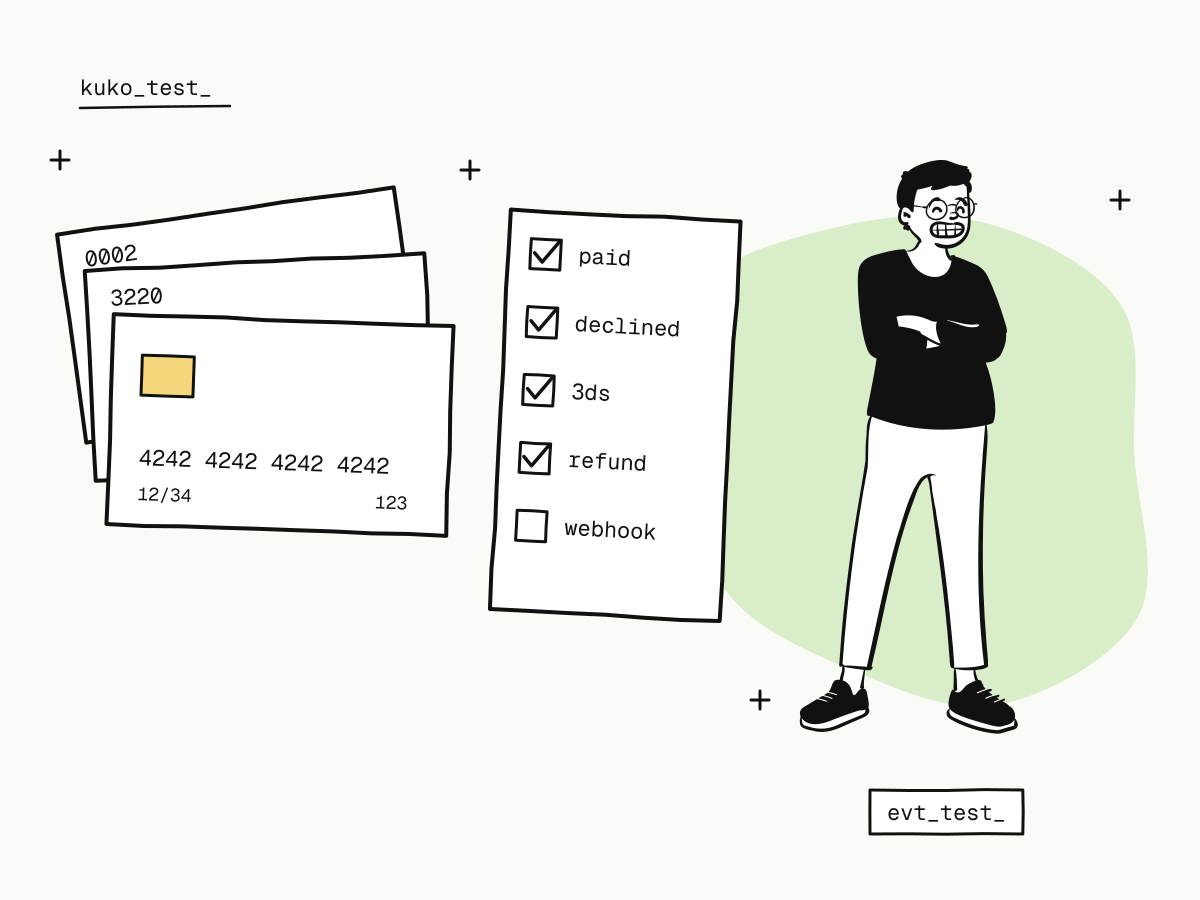
Test credit card numbers are card numbers that only work in a payment sandbox: they never move money, and each one is wired to a fixed outcome — a successful payment, a decline with a specific reason, or a 3D Secure challenge. With the right test card numbers you can walk through every path a real buyer can take before your integration touches a real card.
Below are the test card numbers KukoPay's sandbox accepts, how to use them, and — just as important — the tests that are not about cards at all: webhooks, refunds, wallets and duplicate requests.
Test credit card numbers that succeed
Use any future expiry date and any three-digit security code (four digits for American Express).
| Card number | Network | Result |
|---|---|---|
4242 4242 4242 4242 | Visa | Payment succeeds |
5555 5555 5555 4444 | Mastercard | Payment succeeds |
3782 822463 10005 | American Express | Payment succeeds |
6200 0000 0000 0005 | UnionPay | Payment succeeds |
4242 4242 4242 4242 is the number most developers reach for first, and it is the one to use for your "happy path": order created, buyer pays, webhook received, order fulfilled once.
Test card numbers for declines and 3D Secure
| Card number | Result | Code |
|---|---|---|
4000 0000 0000 3220 | Requires 3D Secure; choose success or failure on the verification page | — |
4000 0000 0000 0002 | Declined by the issuer | card_declined |
4000 0000 0000 9995 | Insufficient funds | insufficient_funds |
4000 0000 0000 0069 | Expired card | expired_card |
4000 0000 0000 0127 | Incorrect security code | incorrect_cvc |
4000 0000 0000 0119 | Processing error | processing_error |
After a decline the order stays pending and the same checkout link keeps working, exactly as in live mode; the sandbox adds the code to the message so you can tell which case you hit. What each code means for a real buyer is explained in card decline codes explained, and the verification flow behind 3220 in what is 3D Secure.
How do you use test card numbers?
- Create a sandbox order with a
kuko_test_key (POST /v1/orders), or click Place test order under Developers → Sandbox testing in the dashboard. The quickstart has the request. - Open the
checkout_urland choose card. The sandbox form lists the test cards — click one to fill it in. - Pay, then check your side: the webhook arrived, the signature verified, the order was fulfilled once.
The key decides the environment: a kuko_test_ key can never create a live charge, and a kuko_live_ key is refused until your account is approved, so test code cannot charge a real card by accident.
Never type a real card number into a sandbox. KukoPay's sandbox form accepts only the test numbers above, and uses the number in the browser to pick the scenario — it is never sent to the server.
Which payment scenarios should you test?
Card numbers cover the buyer's side. A payment integration usually breaks on the server's side, so test these too:
| Scenario | How to test it | What to check |
|---|---|---|
| Successful payment | 4242 4242 4242 4242 | payment.succeeded arrives, the signature verifies, fulfilment runs once |
| Decline, then retry | …0002, then 4242… on the same link | One order, paid once, notified once |
| 3D Secure | 4000 0000 0000 3220 | Success, failure, and returning without finishing |
| Duplicate order request | Create twice with the same out_trade_no | The same order comes back |
| Webhook retries | Make your receiver answer 500 once | The event is redelivered with the same id, handled once |
| Full and partial refunds | Refund a paid sandbox order | The refund's final status, and refund.succeeded |
| Abandoned checkout | Create the order with expires_at 5 minutes out, open the link and leave | The order expires and payment.expired arrives |
| Errors | A wrong key (401 invalid_api_key), a decimal amount (400) | Your code shows a useful error instead of crashing |
The webhook rows are the ones teams skip and regret: retried deliveries are normal, and duplicate payment webhooks shows how to fulfil each payment exactly once. Equally, never treat the buyer's redirect as the result — return_url vs notify_url.
How to test wallet payments in the sandbox
Alipay, WeChat Pay, PayPal, Apple Pay and Google Pay have no card number to type. In the sandbox, choosing one opens a test authorization page with Authorize payment and Decline payment:
- authorize — the order is paid and
payment.succeededis sent, even if the browser is closed on that page; - decline — the order stays
pendingand the buyer can pick another method; - return to the checkout without choosing — the unfinished payment is cancelled before a new one starts.
How the real wallets behave for buyers is covered in how to accept Alipay and WeChat Pay online.
Testing without opening the checkout
Two tools under Developers let you exercise your server before any buyer flow exists:
- Simulate result on a sandbox order that has not reached checkout: success (with the payment method the buyer "used"), failure or expiry. It runs the real machinery — order status, sandbox balance credited at that method's real fee rate, the event recorded, the webhook delivered and retried — so a simulated success can then be refunded to test refund webhooks too.
- Send test callback sends one request with the same format and signature as a real webhook to an endpoint or URL you choose, and shows both what was sent and what your server answered. Its event
idstarts withevt_test_and carries"test": true, and it changes no order or balance — make sure your receiver ships nothing for it.
Testing refunds and payouts with sandbox money
The sandbox wallet opens with $5,000.00 of test funds, so refunds and payouts can be rehearsed end to end; Top up test funds on the wallet page restores it. A sandbox payout completes immediately, with the same ledger entries a live one ends with, so you can practise reconciliation before real money moves. Fees in the sandbox follow the real formula — how cross-border payment fees are calculated works through it.
Going live
When the sandbox passes, switching is only the key: replace kuko_test_ with kuko_live_ on your server. The endpoint, fields, checkout and webhooks stay the same, so everything you tested still holds. The full go-live checklist is in how to accept international payments on your website.
Summary
- Test credit card numbers work only in a sandbox and each one produces a fixed outcome;
4242 4242 4242 4242succeeds,4000 0000 0000 3220asks for 3D Secure, and the4000 0000 0000 …numbers produce specific declines;- use any future expiry and any CVC, and never a real card;
- test the server side too: duplicate requests, webhook retries, refunds and abandoned checkouts;
- wallets have test authorization pages, and Simulate result and Send test callback test your server without a checkout.
Try it in the sandbox
Create a merchant account and request a test key. The sandbox needs no business verification.