Payment receipts for online payments: what to include, how to send one, and receipt vs invoice
What a payment receipt is, what it should include, how to send one automatically after payment, and how it differs from an invoice or tax invoice.
On this page
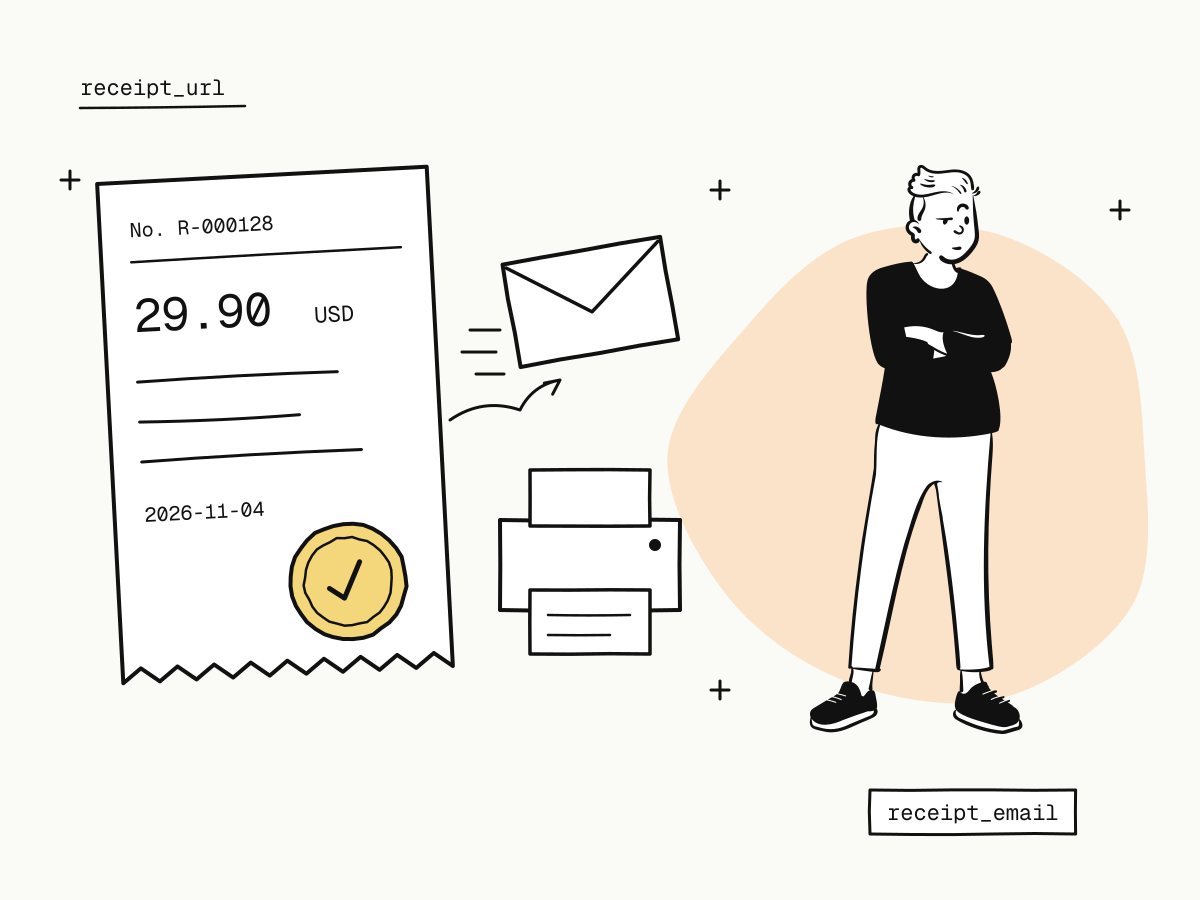
A payment receipt is the record a buyer gets after paying: proof that a specific amount was paid to a specific seller on a specific date. For online payments it usually arrives as an email with a link to a page the buyer can print or save as PDF. An invoice is the opposite end of the same transaction — a request for payment sent before it.
Sending a clear payment receipt is a small thing that saves real money: buyers who can recognise a charge open fewer support tickets and fewer chargebacks. This guide covers what a payment receipt should include, how a receipt differs from an invoice and a tax invoice, and how to send buyers a receipt automatically on KukoPay.
Payment receipt vs invoice: what's the difference?
| Invoice | Payment receipt | |
|---|---|---|
| When | Before payment | After payment |
| Purpose | Asks the buyer to pay | Proves the buyer paid |
| Typical contents | Items, amounts due, payment terms, due date | Amount paid, date, method, seller, receipt number |
| Who needs it most | The seller, to get paid | The buyer, to show they paid |
Many businesses send both: an invoice with a "Pay now" link, then a receipt once the payment lands. A payment link is a simple way to put that "Pay now" button in an invoice without building a checkout.
Is a payment receipt a tax invoice?
No. A payment receipt proves that money moved; a tax invoice — a VAT invoice, a GST invoice, a Chinese 发票 (fapiao) — is a tax document that only the seller can issue, through the seller's own tax registration and system. A payment platform cannot issue it on your behalf.
KukoPay's receipts say so on the page itself. If your buyers need tax invoices, issue them from your own invoicing or tax system and keep the payment receipt as the proof of payment that goes with it.
What should a payment receipt include?
A useful online payment receipt answers "what did I pay, to whom, when, and how?" at a glance:
- the seller's name, as the buyer knows it — the name on your site, not a legal entity they have never heard of;
- a receipt number, unique and stable, for support and accounting;
- the amount and currency paid, and anything refunded since;
- the date of payment;
- the payment method;
- what was bought — the item or order description;
- a way to reach the seller, so a confused buyer writes to you instead of their bank.
The last point is the one that prevents disputes. As the chargeback guide puts it, most chargebacks are not fraud: the buyer did not recognise the charge, or could not reach you. A receipt with your name and a reply address answers both before they turn into a dispute.
How to send payment receipts automatically
On KukoPay every paid order has a receipt, and you can have it emailed to the buyer the moment the payment succeeds. Pass the buyer's email as receipt_email when creating the order:
curl -X POST "https://api.kukopay.com/v1/orders" \
  -H "Content-Type: application/json" \
  -H "X-Api-Key: $KUKOPAY_API_KEY" \
  -d '{
    "amount": 2990,
    "currency": "USD",
    "subject": "Premium plan",
    "receipt_email": "[email protected]",
    "locale": "en"
  }'
The receipt email goes out once per order, automatically, even when the payment is confirmed by the webhook, the buyer's browser and the reconciliation job at the same time. Details are in receipts.
What the receipt email looks like to the buyer
- It is sent by KukoPay under your display name, set in the dashboard under Business name & branding.
- Replies go to your business contact email, so a buyer who answers the email reaches you directly.
- Sandbox receipts are prefixed
[TEST]and say that no real charge was made.
How to send or resend a receipt manually
Buyer lost the email, or wants it at another address? Send it again:
curl -X POST "https://api.kukopay.com/v1/orders/ORD_20261104_0001/send_receipt" \
  -H "Content-Type: application/json" \
  -H "X-Api-Key: $KUKOPAY_API_KEY" \
-d '{ "email": "[email protected]" }'- Leave out
emailto use the order'sreceipt_email; a new address is saved as the order'sreceipt_email. - Only paid orders — including ones refunded since — have a receipt; an unpaid order answers
409 conflict. - An order's receipt can be sent at most 5 times an hour (
429 rate_limitedbeyond that), so a receipt can never become a way to flood someone's inbox.
In the dashboard, the order's detail page shows the receipt with View receipt, Send receipt and Resend.
The receipt link and number
| Field | What it is |
|---|---|
receipt_url | The receipt page, available once the order is paid. The link is signed and does not expire, so you can put it on your own order page or send it months later |
receipt_number | Assigned the first time the receipt is viewed or sent, and never changes after that |
receipt_email | Where the receipt is sent |
receipt_sent_at | When a receipt email last went out |
The receipt page shows refunds made after the payment, so the same link stays correct after a partial refund.
Receipts in the buyer's language
The receipt follows the buyer: pass locale (zh or en) when creating the order, or, without it, the receipt uses the language the buyer saw at checkout. Add &locale= to the receipt link (zh, en, ja, ko, de) to view it in another language. A buyer paying from abroad gets a receipt they can read — one of the small details covered in how to accept international payments on your website.
Summary
- A payment receipt proves a payment was made; an invoice asks for one; a tax invoice is a tax document only the seller can issue;
- a good receipt shows your recognisable name, a receipt number, amount, date, method, what was bought, and how to reach you;
- on KukoPay, pass
receipt_emailand the receipt is emailed once when the payment succeeds, under your display name with replies to you; - resend with
POST /v1/orders/{trade_no}/send_receipt, up to 5 times an hour per order; receipt_urlnever expires and reflects later refunds.
Try it in the sandbox
Create a merchant account and request a test key. The sandbox needs no business verification.