What is 3D Secure? How 3DS authentication works and what it means for merchants
What 3D Secure is, how 3DS authentication works, frictionless vs challenge flows, why a 3D Secure check fails, and how to test it before going live.
On this page
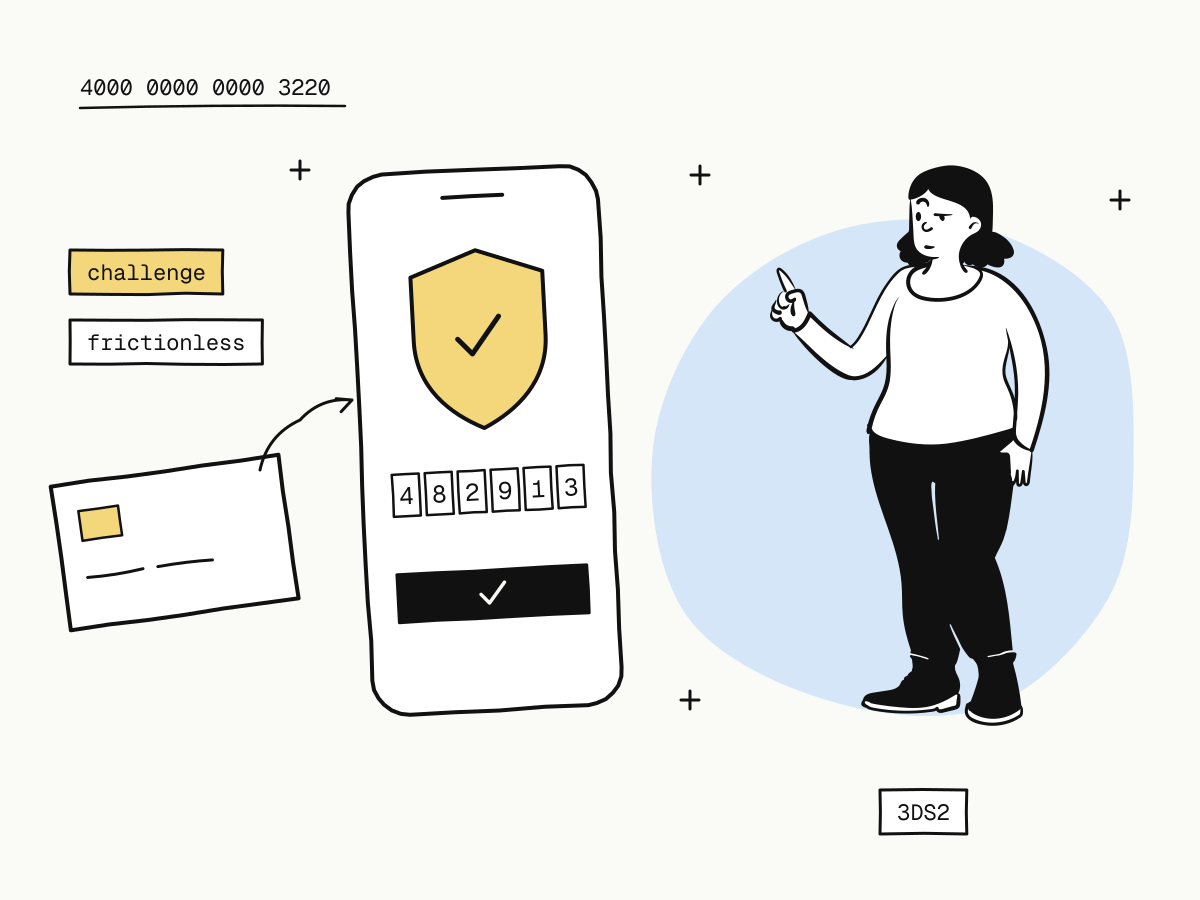
3D Secure (3DS) is an extra check in an online card payment in which the card issuer confirms that the person paying is the cardholder — usually with a prompt in the bank's app, a one-time code by SMS, or biometrics on the phone. Visa calls its version Visa Secure, Mastercard calls it Identity Check, but it is one protocol, and the current version is EMV 3-D Secure (3DS2).
For merchants, 3D Secure authentication matters for three reasons: it lets issuers approve payments they would otherwise decline, it generally shifts liability for fraud chargebacks away from you, and in Europe it is how strong customer authentication is met. This guide explains how 3DS works, the frictionless and challenge flows, why a 3D Secure check fails, and how it behaves on KukoPay's checkout.
How does 3D Secure work?
A 3DS payment adds one step between the buyer submitting the card and the issuer deciding:
- The buyer enters the card at checkout.
- The checkout sends the issuer data about the payment — amount, merchant, device and browser details.
- The issuer assesses the risk and picks a flow:
- frictionless — the data is convincing, the buyer sees nothing and the payment goes on;
- challenge — the buyer must prove it is them, in the bank app, by code or by biometrics.
- The issuer authorizes or declines the payment, now knowing whether the cardholder was authenticated.
The version difference matters here. The original 3DS1 sent every buyer to a password page, which cost conversion. 3DS2 shares far more data, so most payments can pass without a challenge, and challenges that do appear work inside banking apps on a phone.
Why does 3D Secure matter for merchants?
Fewer issuer declines on cross-border payments
An issuer is more willing to approve a payment to an unfamiliar foreign merchant when its own customer has just confirmed it. Without authentication, some of those payments end as a generic “do not honor” — see card decline codes explained for what that code means.
Fraud chargebacks: the liability shift
When a payment was successfully authenticated with 3D Secure and the cardholder later claims they never made it, card network rules generally shift the liability for that fraud chargeback to the issuer. The details depend on the network and the dispute reason. Two limits are worth knowing:
- it covers fraud claims, not “item not received” or “not as described” disputes — those still need your evidence;
- it is not a reason to ignore your chargeback rate; disputes still count toward it.
How chargebacks freeze money and what evidence wins them is in the chargeback guide.
Strong customer authentication in Europe
Under PSD2 in the European Economic Area and the UK, most online card payments by consumers need strong customer authentication, and 3D Secure is how card payments meet it. If you sell to European buyers, their issuers will ask for 3DS more often.
Frictionless vs challenge: what does the buyer see?
| Flow | What happens | What the buyer sees |
|---|---|---|
| Frictionless | The issuer is satisfied by the data alone | Nothing extra; the payment completes |
| Challenge | The issuer wants proof | A bank app prompt, an SMS code or a biometric check, then back to checkout |
The issuer decides which flow a payment gets, not the merchant. Your job is to make sure the challenge, when it comes, can be completed: the checkout must be able to show it, and the buyer must have time to finish it.
Why does 3D Secure authentication fail?
A failed 3D Secure check usually means one of:
- the buyer did not finish the challenge — closed the window, the code expired, or the bank app prompt timed out;
- the buyer failed it — wrong code, or rejected the prompt;
- the issuer could not authenticate — the card or its bank does not support it properly, or the bank's service was unavailable.
On a KukoPay checkout the buyer is told “Card verification did not succeed. Please try again or use another payment method.” and can retry straight away.
How does 3D Secure work on KukoPay?
You do not integrate 3D Secure separately. The hosted checkout shows the issuer's challenge whenever one is requested, and the result reaches you through the normal order flow:
- Verification succeeds → the order becomes
paidand you receivepayment.succeeded— even if the buyer closes the browser right after verifying. - Verification fails → the order stays
pending; the buyer can retry or choose another method on the samecheckout_url. - The buyer comes back without finishing → the unfinished payment is cancelled before a new one starts, so a late click on the old verification page cannot charge them twice. If it turns out they had in fact completed it, that payment is credited and they are not asked to pay again.
Two things on your side keep 3DS from costing you sales:
- Leave time before your own cancellation. If your system cancels unpaid orders, pass
expires_atwhen creating the order and keep a few minutes' margin before your deadline, so a challenge started at the last minute can finish. See create an order. - Fulfil on the webhook, not the redirect. A challenge takes the buyer away and back, and the redirect is not proof of payment — return_url vs notify_url explains why.
Card numbers are entered in the hosted checkout and never pass through your servers, so 3DS adds nothing to your own card-data handling.
How to test 3D Secure in the sandbox
Use the 3D Secure test card 4000 0000 0000 3220 with any future expiry date and any three-digit security code. The sandbox opens a test verification page where you choose:
- Complete authentication — the order is paid and
payment.succeededis sent; - Fail authentication — the order stays
pendingand the checkout offers another try; - or return to the checkout without choosing either — to check that a later click on the old page charges nothing.
The other test cards and sandbox scenarios are collected in test credit card numbers for payment testing and in sandbox testing.
Does 3D Secure hurt conversion?
It can, when every payment is challenged — which is what 3DS1 did. With 3DS2 most authenticated payments are frictionless, and a challenge in the buyer's own banking app is quick. The trade worth weighing is the other way round: a cross-border payment declined for lack of authentication, or a fraud chargeback you could have avoided, usually costs more than a few seconds in a bank app. Wallets reduce the friction further — Apple Pay and Google Pay authenticate on the device, and buyers in mainland China can pay with Alipay or WeChat Pay (how to accept Alipay and WeChat Pay online).
Summary
- 3D Secure lets the card issuer confirm the buyer is the cardholder before it approves a payment;
- 3DS2 decides frictionless or challenge per payment, so most buyers see nothing extra;
- it helps cross-border approvals, generally shifts fraud chargeback liability to the issuer, and meets SCA in Europe;
- on KukoPay the checkout runs the challenge for you; a failed check leaves the order pending for a retry;
- leave time for a late challenge, fulfil on the webhook, and test with
4000 0000 0000 3220.
Try it in the sandbox
Create a merchant account and request a test key. The sandbox needs no business verification.