What is a hosted payment page? Hosted vs integrated checkout, PCI scope and branding
What a hosted payment page is, how it compares with an integrated checkout, what it means for PCI scope, and how to brand it and bring buyers back.
On this page
- How does a hosted payment page work?
- Hosted payment page vs integrated checkout
- What does a hosted payment page mean for PCI compliance?
- What does the hosted checkout handle for you?
- Can you embed a hosted payment page in an iframe?
- How to brand a hosted payment page
- How to bring buyers back after payment
- Two details worth getting right
- Summary
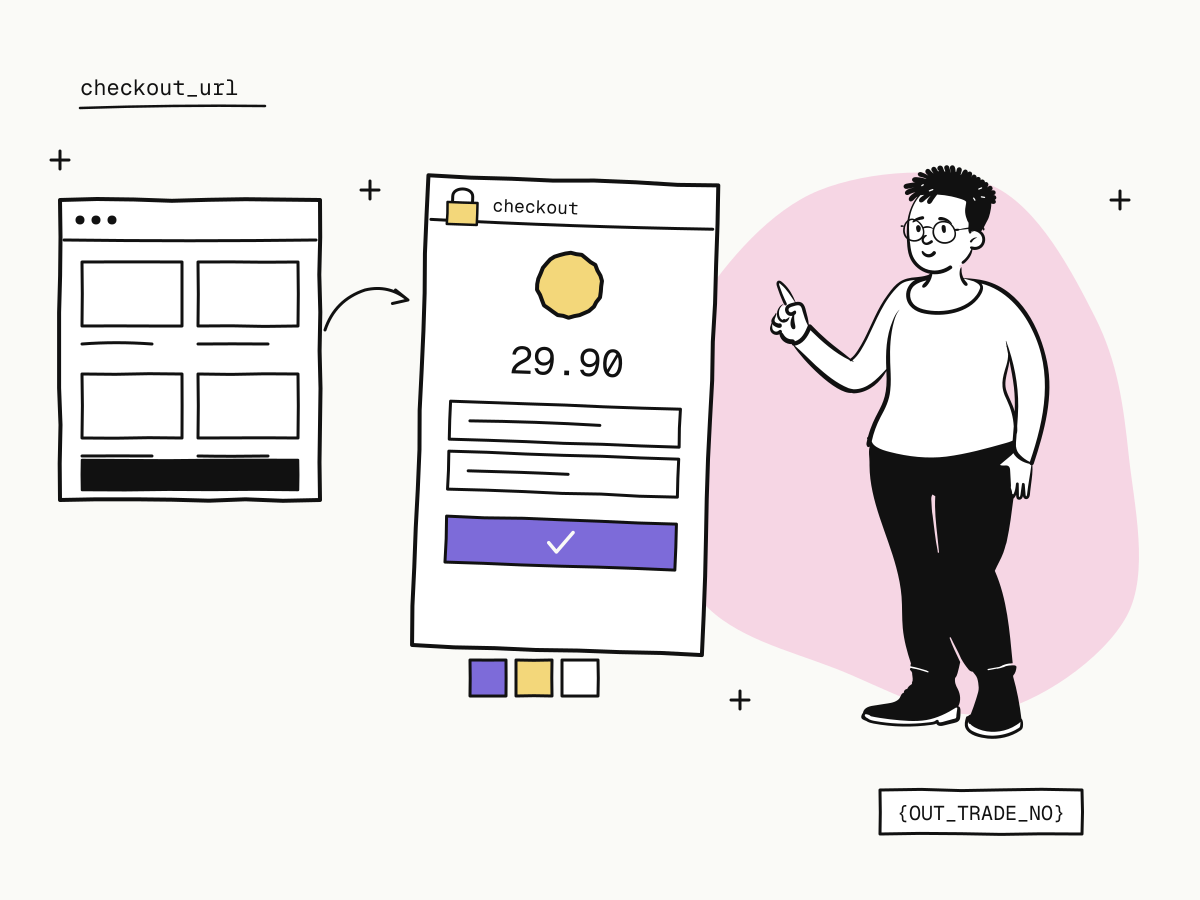
A hosted payment page is a checkout page that your payment provider runs on its own domain. Instead of building a card form on your site, you send the buyer to the provider's page; they pay there, and come back to you afterwards. Card details are typed into the provider's page, not yours — which is the main reason most small and cross-border merchants start with a hosted payment page rather than an integrated checkout.
This guide explains how a hosted payment page works, how it compares with an integrated checkout, what it means for your PCI scope, and how to make a hosted checkout look like your own and bring buyers back to your site.
How does a hosted payment page work?
- Your server creates an order with the amount and currency and gets back a checkout URL.
- You redirect the buyer to that URL.
- The buyer pays on the hosted page — card, wallet, 3D Secure, retries, all handled there.
- The buyer returns to your
return_url, and your server is notified by webhook.
On KukoPay that is one call:
curl -X POST "https://api.kukopay.com/v1/orders" \
  -H "Content-Type: application/json" \
  -H "X-Api-Key: $KUKOPAY_API_KEY" \
  -d '{
    "out_trade_no": "ORD_20261104_0001",
    "amount": 2990,
    "currency": "USD",
    "subject": "Premium plan",
    "notify_url": "https://shop.example.com/webhooks/kukopay",
    "return_url": "https://shop.example.com/orders/{OUT_TRADE_NO}/complete"
  }'
The response's checkout_url opens the hosted checkout on checkout.kukopay.com. The quickstart walks through it end to end. With no code at all, a payment link opens the same hosted page.
Hosted payment page vs integrated checkout
| Hosted payment page | Integrated checkout | |
|---|---|---|
| Where the buyer pays | The provider's page | A form on your own site |
| Card data | Never touches your servers | Passes through or near your environment |
| PCI scope | Generally the lightest | Wider, and yours to maintain |
| Build effort | One API call and a redirect | Card form, wallets, 3D Secure and error states to build and keep working |
| Look and feel | Your name, logo and colour on a standard layout | Fully custom |
| New payment methods | Appear without code changes | Each one is integration work |
An integrated checkout wins when the page itself is your product and you have the team to own it. For most merchants — and especially those selling across borders, where the method mix differs by country — the hosted payment page is the better trade: the provider keeps the card form, the wallets and 3D Secure working, and you keep shipping your product.
What does a hosted payment page mean for PCI compliance?
PCI DSS applies to anyone who accepts card payments, but how much of it applies depends on where card data flows. With a hosted payment page the card number is entered on the provider's page and never reaches your servers, which generally keeps a merchant on the lightest form of self-assessment. It does not remove PCI obligations altogether — the page that sends buyers to the checkout is still yours to keep secure — so confirm what applies to you with your provider and the PCI Security Standards Council's guidance.
On KukoPay, merchants never handle card details: buyers enter them in the hosted checkout, they are never shared with the merchant, and merchants may not send them to the platform. Even the sandbox card form uses the test number only in the browser to choose a scenario — see test credit card numbers.
What does the hosted checkout handle for you?
- Payment methods — cards, Apple Pay, Google Pay, Alipay, WeChat Pay and PayPal, showing only those enabled on your account and available for the order;
- 3D Secure challenges, when the issuer asks — see what is 3D Secure;
- Declines and retries — a decline leaves the order
pendingand the buyer can try again on the same page; see card decline codes explained; - Switching methods safely — an unfinished wallet or 3DS payment is cancelled before a new one starts, so a buyer cannot be charged twice;
- Languages — English, Chinese, Japanese, Korean and German, chosen with
&locale=on the URL; - Receipts — a printable receipt for every paid order, see payment receipts.
Can you embed a hosted payment page in an iframe?
Not on KukoPay. The checkout is a full page you redirect to, and it refuses to be framed by other sites. That is deliberate: a payment page inside someone else's frame is how clickjacking works, and wallet and 3D Secure steps need to take over the window anyway. Redirect the buyer, and bring them back with return_url.
How to brand a hosted payment page
A hosted payment page should still look like you — buyers who recognise the seller complete payment more often and dispute less. In the dashboard, open Business name & branding:
| Setting | What it does |
|---|---|
| Public name | The name buyers see. Leave it empty to use the company name from verification |
| Logo | Shown at the top of the checkout |
| Brand color | A #RRGGBB colour for buttons and accents |
- Checkout preview shows the real checkout with your unsaved settings, on Desktop or Mobile, before you save.
- Changes apply to newly opened checkout pages straight away, in both the sandbox and live.
- Each app can override the account default — useful when one account runs a second brand. Settings left empty fall back to the account's.
How to bring buyers back after payment
- Use placeholders in
return_url.{TRADE_NO}and{OUT_TRADE_NO}are replaced with the order's values, so one URL tells you which order came back. - What the buyer sees. After paying, the checkout shows the receipt, then returns the buyer to your site after about 5 seconds; they can also return at once, or stay. Reopening an already-paid link only shows the receipt.
- The return is not the result. A buyer may close the page and never come back, and a redirect can be faked. Fulfil on the verified webhook — return_url vs notify_url explains why.
Two details worth getting right
- Set the checkout's lifetime. A checkout URL works for 24 hours by default. If your own system cancels unpaid orders sooner, pass
expires_atso the page closes first — otherwise a buyer can pay an order you have already cancelled. See create an order. - Keep the URL out of analytics. The
checkout_urlcarries a short-lived token; do not record the full address in third-party analytics or public logs.
Summary
- A hosted payment page is a checkout the provider runs; you redirect the buyer there and get the result by webhook;
- compared with an integrated checkout it is far less to build and generally keeps your PCI scope at its lightest;
- KukoPay's hosted checkout handles methods, 3D Secure, retries, languages and receipts, and is a full-page redirect, never an iframe;
- brand it under Business name & branding — public name, logo and colour, with a desktop and mobile preview and per-app overrides;
- bring buyers back with
return_urlplaceholders, setexpires_atwhen your own timeout is shorter, and fulfil on the webhook.
Try it in the sandbox
Create a merchant account and request a test key. The sandbox needs no business verification.