Card decline codes explained: what “do not honor” means and what to do next
Card decline codes explained: what do not honor, insufficient funds and incorrect CVC mean, soft vs hard declines, and how to recover the sale.
On this page
- What does “do not honor” mean?
- The most common card decline codes
- Soft declines vs hard declines
- Why are cross-border card payments declined more often?
- What happens when a card is declined on KukoPay?
- How should merchants handle declined payments?
- Is a declined payment the same as a chargeback?
- How to test card decline codes in the sandbox
- Summary
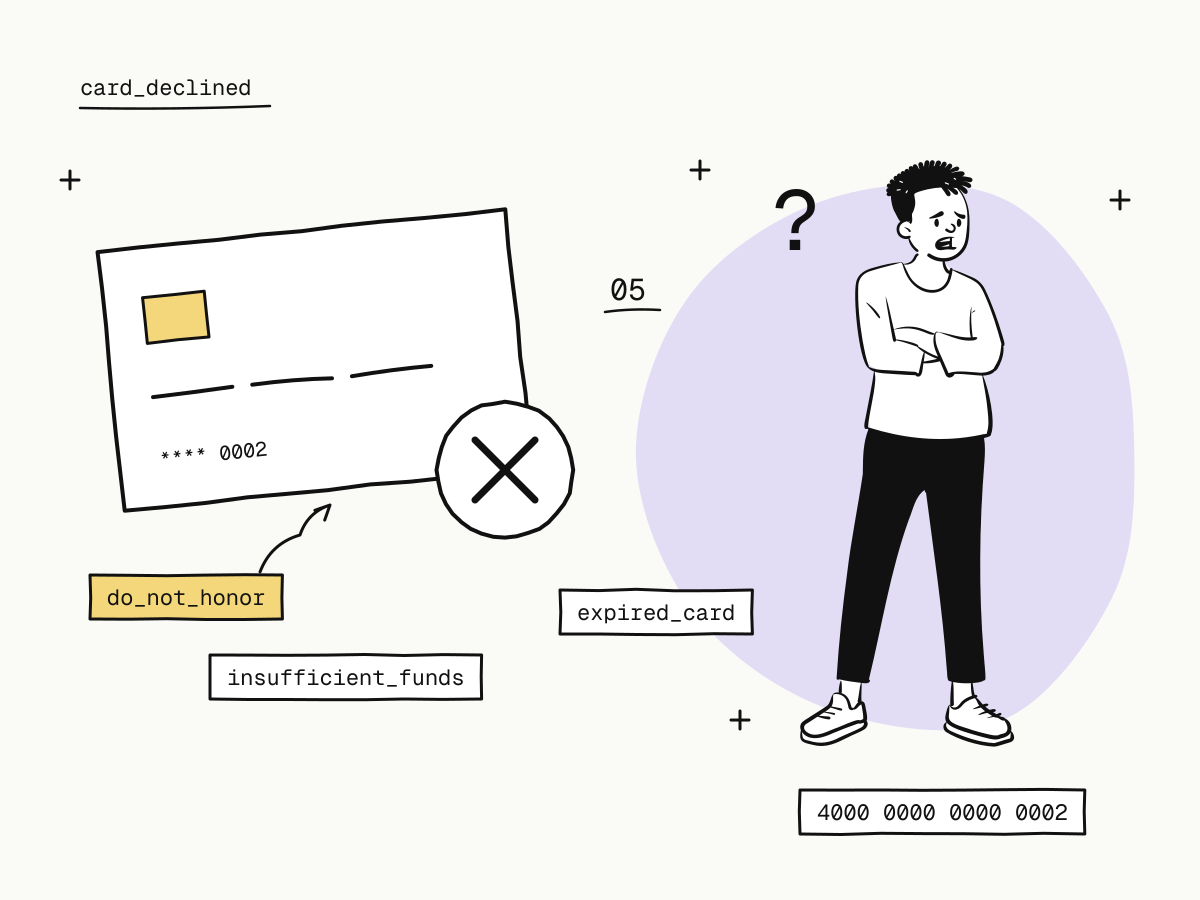
Card decline codes are the reason a card issuer gives when it refuses a payment. Some are precise — insufficient_funds, expired_card, incorrect_cvc — and tell the buyer exactly what to fix. Others are not: “do not honor” (do_not_honor, also seen as generic_decline or code 05) means the issuer said no and chose not to say why.
For a merchant the code matters because it decides the next step: ask the buyer to correct a detail, try again later, or offer another way to pay. This guide explains the card decline codes you will meet most often, the difference between soft and hard declines, why cross-border payments are declined more often, and how a declined payment behaves on KukoPay's checkout.
What does “do not honor” mean?
“Do not honor” is the issuer's catch-all refusal. The bank that issued the card declined the payment and did not share the reason with the merchant or the processor. The usual causes, from the buyer's side:
- The issuer's fraud check flagged the payment — an unusual amount, an unfamiliar merchant, or a purchase from another country;
- the card is restricted for online, foreign or certain kinds of purchases;
- a temporary hold or limit on the account;
- a detail did not match, which some issuers report generically.
Because the reason sits with the issuer, neither the merchant nor the payment platform can override a “do not honor”. The fix is in the buyer's hands: confirm the payment with their bank (often through the bank's app), then retry, or pay with another card or method.
The most common card decline codes
Exact codes differ between networks and processors, but the meanings below are consistent. The last column is what the buyer is told at a KukoPay checkout.
| Decline code | What it means | What the buyer can do | Message at checkout |
|---|---|---|---|
do_not_honor, generic_decline, card_declined | The issuer refused without a reason | Contact the bank, or use another card or method | Your card was declined by its issuer |
insufficient_funds | Not enough balance or credit | Use another card, or retry once funds are there | Your card has insufficient funds |
expired_card | The card is past its expiry date | Use a valid card | Your card has expired |
incorrect_cvc / invalid_cvc | The security code is wrong | Re-enter the code | The security code (CVC) is incorrect |
incorrect_number | The card number is wrong | Re-enter the number | The card number is incorrect |
card_not_supported | The card cannot be used for this kind of payment | Use another card or method | Your card does not support this kind of payment |
currency_not_supported | The card cannot pay in the order's currency | Use another card or method | Your card does not support this currency |
card_velocity_exceeded | The card hit a spending or transaction limit | Wait, or use another card | Your card has exceeded its transaction limit |
authentication_required | 3D Secure was needed and did not succeed | Retry and complete the bank's verification | Card verification did not succeed |
processing_error | Something failed on the way, not at the issuer | Retry shortly | Something went wrong while processing the payment |
Codes that point at fraud — a card reported lost or stolen, or a payment marked fraudulent — are deliberately not on that list. Telling the person at the keyboard which check tripped is exactly what card networks ask processors not to do, so those declines show the same generic sentence as “do not honor”.
Soft declines vs hard declines
Card decline codes fall into two groups, and the group decides whether a retry makes sense:
- Soft declines are temporary or fixable:
insufficient_funds,incorrect_cvc,processing_error,authentication_required, and oftendo_not_honor. A corrected detail, a confirmation in the bank app, or a retry later can succeed. - Hard declines will not change on retry: an expired, lost, stolen or closed card, or a card that does not support the payment at all. The buyer needs a different card or method.
Whichever it is, do not hammer the same card with automatic retries. Repeated attempts on a declined card look like card testing to issuers and fraud systems, and make the next legitimate attempt less likely to pass. Let the buyer decide to try again.
Why are cross-border card payments declined more often?
An issuer's fraud model sees a payment to a merchant in another country as less familiar than a local one, and some cards are not enabled for foreign or online purchases at all. That is why “do not honor” shows up more on cross-border payments than on domestic ones. Three things help:
- Offer more than one way to pay. A buyer whose card is refused can still finish with a wallet. Apple Pay and Google Pay use a card the buyer already verified on their phone; buyers in mainland China can use Alipay or WeChat Pay instead — see how to accept Alipay and WeChat Pay online.
- Let 3D Secure do its job. When the issuer asks the buyer to verify, a completed challenge is far more convincing to it than an unverified payment.
- Make the checkout look like you. A recognisable merchant name and brand on the payment page, in the buyer's language, means fewer buyers abandon and fewer later dispute the charge. How to accept international payments on your website covers currencies, languages and methods.
What happens when a card is declined on KukoPay?
A decline is not the end of the order:
- The order stays
pending. The checkout shows the reason in words the buyer can act on, in the checkout's language, and the samecheckout_urlkeeps working: the buyer can fix the detail, try another card or switch method, and the checkout starts a fresh payment attempt for them. - Nothing is charged and nothing is billed to you. Fees apply only to successful payments, so a declined attempt costs you nothing — see how cross-border payment fees are calculated.
- The order only fails or expires at the end.
payment.failedmeans the channel has declared the payment finally failed; a checkout nobody completed closes asexpiredwhen its link runs out (24 hours by default) and sendspayment.expired. - The processor's own wording is kept for support. It names the processor and is written for integrators, so a live buyer never sees it, but it is recorded with the payment attempt; quote the order's
trade_noif you need it looked up.
How should merchants handle declined payments?
- Never mark an order failed because the buyer said the card was declined, or because they left the page. Wait for the webhook:
payment.succeededto fulfil,payment.failedorpayment.expiredto release stock. Subscribing only to success events is how dead orders go unnoticed — see webhooks. - Do not treat the redirect as a result either way; return_url vs notify_url explains why.
- Send the buyer back to the same checkout link to retry. It reuses the order, so a retry cannot create a second order or a double charge.
- Watch where orders go unpaid. If buyers from one market keep reaching checkout and leaving without paying, that market usually needs its local payment method, not another retry on the same card.
Is a declined payment the same as a chargeback?
No. A decline happens before any money moves: the issuer refuses, and nothing is charged. A chargeback happens after a successful payment, when the buyer disputes it with their bank, and the disputed amount is frozen in your balance. Declines do not count toward your chargeback rate; chargebacks do. The chargeback guide covers that side.
How to test card decline codes in the sandbox
The sandbox checkout accepts test cards that produce each outcome, so you can see the buyer's messages and check that your integration leaves the order alone until the webhook arrives. In the sandbox the message also shows the code.
| Test card | Result |
|---|---|
4000 0000 0000 0002 | Declined by the issuer (card_declined) |
4000 0000 0000 9995 | Insufficient funds (insufficient_funds) |
4000 0000 0000 0069 | Expired card (expired_card) |
4000 0000 0000 0127 | Incorrect security code (incorrect_cvc) |
4000 0000 0000 0119 | Processing error (processing_error) |
4000 0000 0000 3220 | 3D Secure; choose success or failure on the verification page |
After a decline, pay again on the same link with 4242 4242 4242 4242 to confirm the order is paid once and notified once. The full list is in sandbox testing.
Summary
- Card decline codes are the issuer's reason for refusing; “do not honor” is the generic one that gives no reason;
- only the buyer and their bank can clear a “do not honor”: confirm with the bank, or pay another way;
- soft declines can succeed on a corrected or later attempt; hard declines need another card;
- do not retry automatically, and do not mark orders failed on a decline;
- cross-border payments are declined more often, so offer wallets and let 3D Secure run;
- on KukoPay the order stays pending, the buyer retries on the same link, and declines cost nothing.
Try it in the sandbox
Create a merchant account and request a test key. The sandbox needs no business verification.