API rate limits and 429 Too Many Requests: how payment APIs throttle, and how to handle it
What API rate limits are, why a payment API returns 429 Too Many Requests, how to honour Retry-After, and how to design calls that stay under the limit.
On this page
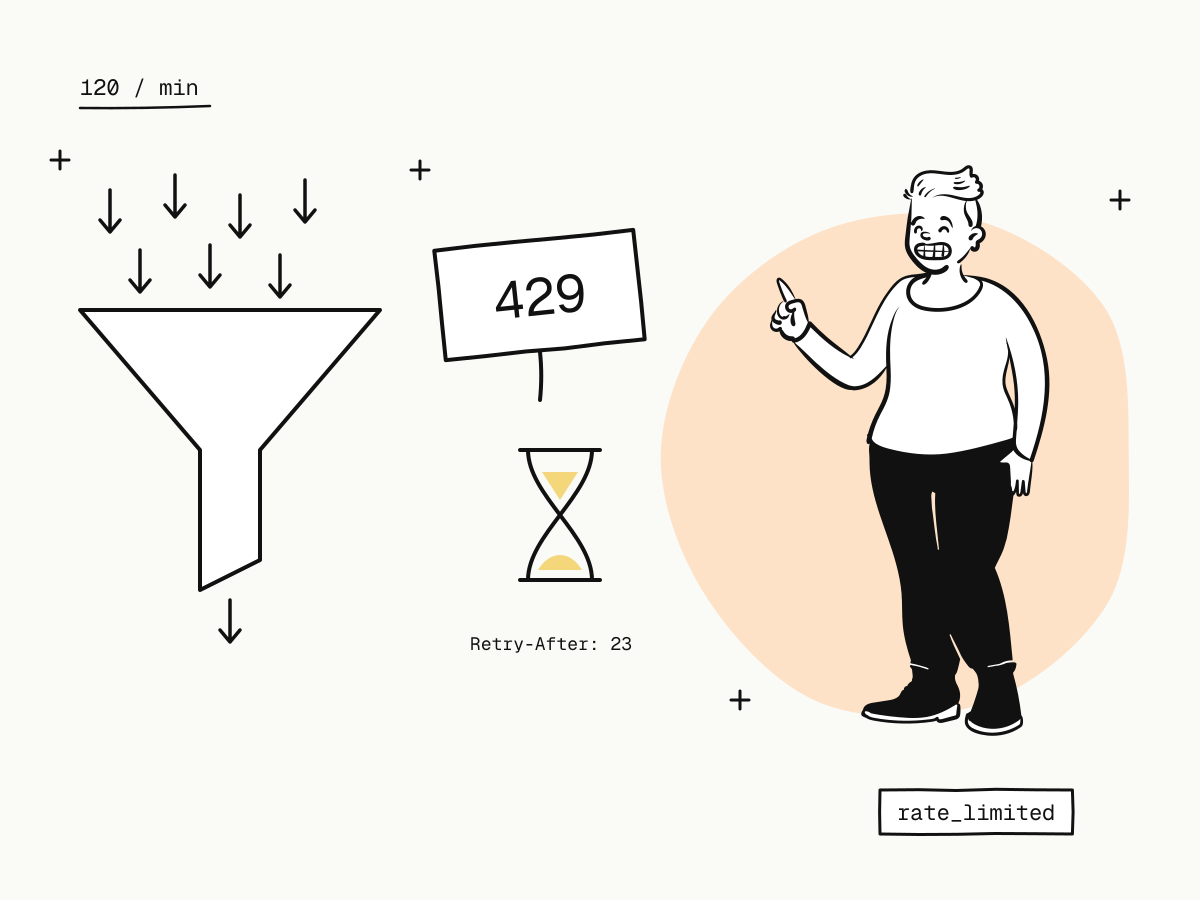
An API rate limit caps how many requests a client may make in a period of time. When you go over it, the API answers 429 Too Many Requests instead of doing the work, usually with a Retry-After header saying how long to wait. Payment APIs rate-limit to keep one integration's runaway loop from slowing down everyone else's checkout — and the limit only bites when code calls far more often than the business needs.
This guide explains how payment API rate limits work, KukoPay's limits, how to handle a 429 correctly, and how to design an integration that never meets one in normal operation.
How do API rate limits work?
Most APIs count requests per client — here, per merchant account — over a window, often one minute. Within the window, requests are served until the quota is used; after that, every request gets 429 until the window rolls over.
KukoPay uses a fixed one-minute window per merchant account, with separate quotas by kind of request:
| Class | Limit | Covers |
|---|---|---|
| Write | 120 requests / minute | Creating orders, refunds and other changes |
| Read | 600 requests / minute | Lookups and lists |
| Export | 10 requests / minute | CSV exports (format=csv) |
| Epay gateway | 300 writes and 600 reads / minute | The epay-compatible endpoints, counted apart from /v1 |
- The quota belongs to the account: every app and every key under it — sandbox and live alike — shares the same buckets. Adding keys does not add capacity.
- Exports have their own small quota because one export can scan up to 10,000 rows; a reconciliation job running exports cannot starve your checkout's writes.
- Epay traffic is counted separately, so buyer-driven epay checkouts cannot use up your API's quota.
What does a 429 response look like?
HTTP/1.1 429 Too Many Requests
Retry-After: 23
X-Request-Id: req_31b6c0d7f2a94e15b8c3d0a7e6f45219
{
"code": 429,
"error": "rate_limited",
"type": "rate_limit_error",
"message": "…",
"request_id": "req_31b6c0d7f2a94e15b8c3d0a7e6f45219"
}Retry-After is the number of seconds until the current window rolls over — the earliest moment a retry can succeed. The error is marked safe to retry: nothing was done, so trying again later cannot create a duplicate. See errors for the full catalogue.
How to handle 429 Too Many Requests
- Wait for
Retry-After, then retry. Retrying sooner only gets another 429. - Add jitter — a random extra delay — so many workers that were throttled together do not all retry in the same second.
- Cap the attempts and surface an error after that, rather than retrying forever.
- Keep the same
Idempotency-Keyon the retry. A 429 is decided before the request is processed and is never stored against the key, so the retry runs for real — and if an earlier attempt did go through, the key still prevents a duplicate. What is an idempotency key explains the key.
async function callWithRetry(doRequest, maxAttempts = 5) {
  for (let attempt = 1; ; attempt++) {
    const res = await doRequest() // same body and Idempotency-Key every time
    if (res.status !== 429 || attempt >= maxAttempts) return res

    const retryAfter = Number(res.headers.get("Retry-After")) || 2 ** attempt
    const jitter = Math.random() * 1000
    await new Promise((resolve) => setTimeout(resolve, retryAfter * 1000 + jitter))
  }
}
For errors other than 429 — timeouts and 5xx — use exponential backoff instead, as in the retry loop in the idempotency guide.
How to stay under the rate limit
Most 429s come from integration patterns, not from real traffic. 120 orders a minute is over 170,000 a day.
- Use webhooks instead of polling. Checking an order's status every few seconds until it is paid is the classic way to burn the read quota. The
payment.succeededwebhook tells you the moment it happens; if a webhook seems not to arrive, payment webhook not received covers the causes. - Poll gently when you must. For a pending refund, check every 10 seconds for up to 5 minutes, then fall back to occasional checks.
- Page with large pages. Lists take
limitwith cursor pagination; fetch 100 at a time rather than many small pages. - Export once, not row by row. For reconciliation, one
format=csvexport of a day's balance transactions replaces thousands of lookups — see payment reconciliation. - Batch your own jobs. Spread large backfills over several minutes instead of firing them all at once.
- Do not retry in a tight loop. A loop that retries immediately on every error multiplies one failure into hundreds of requests.
Does a rate limit ever block real buyers?
The limits apply to API calls made with your key — your server's traffic. Buyers paying on the hosted checkout or through a payment link do not spend your API quota, and the sweepers that confirm payments and retry webhooks run on the platform's side. A runaway job on your server can still delay your own new orders, though, which is the best reason to fix polling loops early.
Testing your 429 handling
Because sandbox and live calls count against the same per-account quota, do not load-test the API to trigger a 429 — a burst of test requests would throttle your live orders in the same minute. Test the handling instead: put a stub in front of your HTTP client that answers 429 with a Retry-After header, and check that your code waits, adds jitter, keeps the same Idempotency-Key and gives up after its cap. Test credit card numbers for payment testing lists the sandbox scenarios worth covering against the real API.
Summary
- An API rate limit caps requests per period; going over returns
429 Too Many RequestswithRetry-After; - KukoPay allows 120 writes, 600 reads and 10 exports per minute per merchant account, shared across its apps, keys and both environments;
- on a 429, wait
Retry-Afterseconds plus jitter, cap the attempts, and keep the sameIdempotency-Key; - stay under the limit with webhooks instead of polling, large pages, CSV exports and spread-out batch jobs;
- buyers on the hosted checkout do not use your API quota; test your 429 handling with a stub, not a load test.
Try it in the sandbox
Create a merchant account and request a test key. The sandbox needs no business verification.