Multilingual checkout: how to show buyers the checkout, receipt and emails in their own language
How a multilingual checkout works: choose the checkout language per buyer, keep the receipt and email in the same language, and localise more than words.
On this page
A multilingual checkout shows each buyer the payment page in their own language — labels, instructions and error messages — instead of the merchant's. For cross-border sales it is one of the cheapest improvements you can make: a buyer who cannot read why their card was declined, or what the next button does, simply leaves.
This guide explains how to give buyers a checkout in their language on KukoPay, how the receipt and receipt email follow, why the language is never guessed from the browser, and what besides words a checkout needs to feel local.
Which languages does the checkout support?
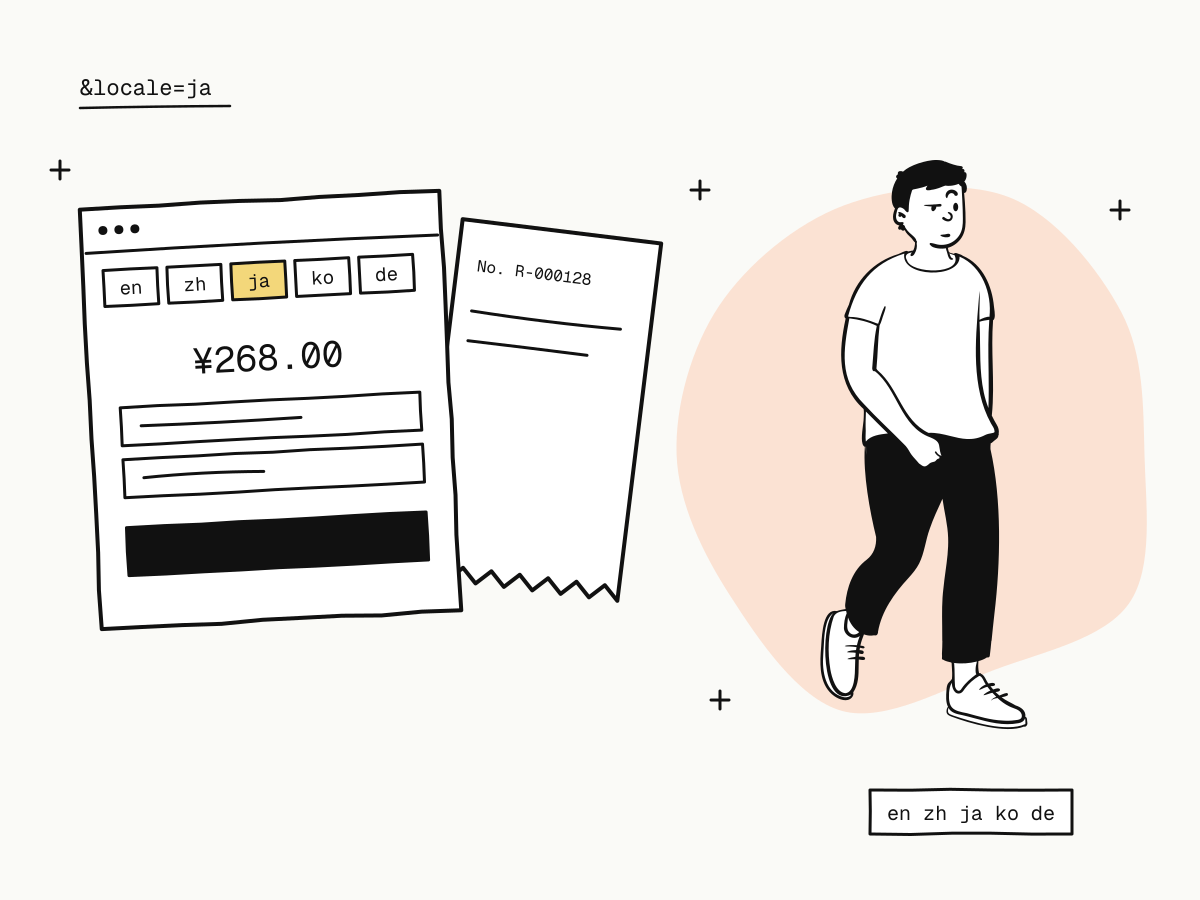
The hosted checkout speaks English, Chinese, Japanese, Korean and German (en, zh, ja, ko, de). Everything the buyer reads is translated: the page, the payment form, and the messages when something goes wrong — a declined card, a wrong security code, an expired link. (One exception for now: on Korean pages the card fields themselves are still in English.)
How to choose the checkout language
The language is decided in this order:
localeon the URL — add&locale=jato thecheckout_url, or?locale=jato a payment link;- the order's
locale— pass"locale": "zh"or"en"when creating the order; - otherwise English.
curl -X POST "https://api.kukopay.com/v1/orders" \
  -H "Content-Type: application/json" \
  -H "X-Api-Key: $KUKOPAY_API_KEY" \
  -d '{
    "amount": 26800,
    "currency": "CNY",
    "subject": "Annual plan",
    "locale": "zh",
    "receipt_email": "[email protected]"
  }'
The order's locale accepts zh or en; for Japanese, Korean or German, add &locale= to the checkout URL you redirect to.
Why not just follow the browser?
The checkout deliberately ignores the browser's language. A browser set to English on a Chinese buyer's work laptop, or a shared link opened by someone else, would get the wrong language — and the same link would look different to different people. You know your buyer better than their browser does: choose the language from your own site's language setting or the buyer's account, and pass it explicitly. The same link then always looks the same.
Payment links in several languages
A payment link takes the same parameter: https://checkout.kukopay.com/pay/plink_7c2a41e9d8b30f56?locale=ja. Send each audience its own version — Japanese for one newsletter, Chinese for another — while orders and counters stay on the one link. The dashboard's payment links page lets you pick the language before copying. See what is a payment link.
The receipt and its email follow the buyer
A multilingual checkout falls apart if the receipt arrives in another language. On KukoPay:
- with
localeon the order, the receipt page and receipt email use it; - without it, they use the language the buyer actually saw at checkout;
- an order that never went through the checkout gets English;
- adding
&locale=to a receipt link shows it in any of the five languages.
Because none of this reads the browser, the page and the email can never disagree. Payment receipts covers sending them.
Localise more than the words
Language is only one part of a local checkout. The rest matters as much:
- Currency. Price in the currency the buyer thinks in, where you can — USD, HKD or CNY on KukoPay. Each currency is its own balance, and nothing is converted automatically, so the price the buyer sees is the amount charged. See how to accept international payments on your website.
- Payment methods. A Chinese-language checkout with only international cards still loses buyers from mainland China; offer Alipay and WeChat Pay too — how to accept Alipay and WeChat Pay online.
- Your name. Buyers recognise your brand, not your legal entity. Set the public name and logo buyers see at checkout under Business name & branding — see what is a hosted payment page.
- The return. Send buyers back to the page in the language they started in by putting the language in your
return_url.
What stays in one language
Some things are not translated, by design:
- the order's own data — the
subjectyou send is shown as you wrote it, so write it in the buyer's language if it matters; - API error messages to your server, which follow the request's language setting, not the buyer's — branch on error codes, not messages (payment API error handling);
- dashboard text, which follows each team member's own language choice.
Summary
- A multilingual checkout shows each buyer the payment page, its messages and the receipt in their language;
- KukoPay's checkout speaks English, Chinese, Japanese, Korean and German, chosen by
&locale=on the URL, then the order'slocale, then English; - the browser's language is never used, so a link always looks the same;
- payment links take
?locale=, and one link can be shared in several languages; - the receipt and its email follow the order's language, or the language seen at checkout;
- pair the language with the right currency, local payment methods and your recognisable name.
Try it in the sandbox
Create a merchant account and request a test key. The sandbox needs no business verification.