Sandbox vs live mode: how payment test mode works and how to go live safely
Sandbox vs live mode for a payment API: what is separate, what behaves differently in test mode, and a go-live checklist for switching to live keys safely.
On this page
Every payment API has two worlds: a sandbox (test mode), where nothing you do moves real money, and live mode, where it does. Sandbox vs live is not just "fake cards vs real cards" — the two environments keep separate data, behave differently in a few important ways, and switching between them is where integrations most often go wrong.
This guide explains how the sandbox and live mode are separated on KukoPay, what behaves differently in test mode, and a go-live checklist for switching safely.
How sandbox and live are separated
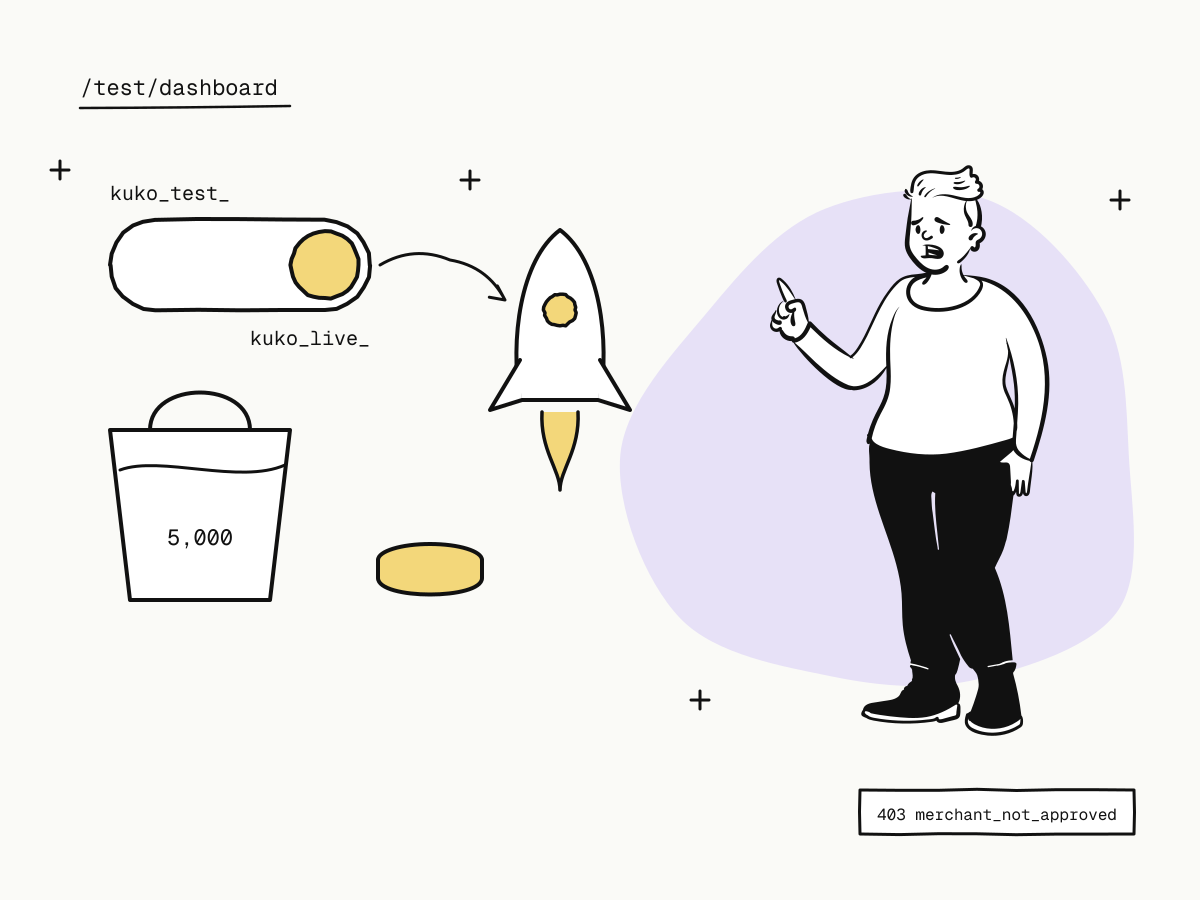
The API key decides the environment. A kuko_test_ key reaches only the sandbox; a kuko_live_ key reaches only live. There is no request field that switches environments, so test code can never create a real charge by accident — and live code can never read test data.
Everything else follows from that:
| Separate per environment | Notes |
|---|---|
| API keys | Sandbox keys can be viewed at any time; a live key is shown in full only once |
| Orders, refunds, disputes, events | Each environment only sees its own |
| Balances and the ledger | Sandbox money is never real and cannot be paid out to a bank |
| Settlement accounts and payouts | Live accounts and payouts are reviewed; sandbox ones are not |
| Webhook endpoints | An endpoint receives one environment's events |
The dashboard is separated the same way, with the environment in the address: /dashboard/... is live and /test/dashboard/... is the sandbox. A link you send a colleague opens in the environment you were in. Before your account is approved, a live address redirects to its sandbox twin.
One thing is shared: the API rate limit is per account, so sandbox and live calls count against the same per-minute quota — see API rate limits.
What behaves differently in the sandbox
| Sandbox | Live | |
|---|---|---|
| Account review | Not needed — start right after sign-up | Business verification must be approved |
| Currencies | USD, HKD and CNY | Those enabled for your account |
| Payment methods | All of them (except any you hid) | Those enabled for your account |
| Card form | Accepts only test card numbers | Real cards |
| Wallets and 3D Secure | A test approval page where you choose the outcome | The real wallet or bank |
| Starting balance | $5,000.00 of test funds per currency, top-up any time | Starts at zero |
| Payouts | Complete immediately, with the same ledger rows | Reviewed, then transferred by bank |
| Settlement accounts | Usable at once | Reviewed before use |
| Payment limits | Never applied | Applied where your account has them |
| Receipts | Marked [TEST] | Real |
Fees are calculated with the real formula in both, so sandbox balances look like live ones. The test cards and test pages are listed in test credit card numbers for payment testing.
What the sandbox cannot prove
The sandbox tests your integration — your order creation, webhook handling, refunds and reconciliation. It cannot show:
- how real issuers decline real cards, or how often buyers abandon a real 3D Secure challenge (what is 3D Secure);
- real settlement timing — sandbox money is credited and paid out instantly (payment settlement);
- your production network: firewalls, outbound IPs and TLS in front of your live webhook URL.
So after switching, watch the first live payments closely.
Go-live checklist
Get verified
Live keys are refused with 403 merchant_not_approved until your business verification is approved — see what is KYB verification.
Issue live keys
Under Developers → API keys in live mode, issue a kuko_live_ key for each app and service. Store it in your server configuration at once — it is shown only once. The endpoint and request fields do not change; only the key does.
Set up live webhooks
Live orders need a public HTTPS notify_url or a live webhook endpoint subscribed to at least payment.succeeded, payment.failed, refund.succeeded and dispute.created. Sandbox endpoints do not receive live events.
Check your signature code
Make sure it accepts any of several v1= signatures, or every delivery fails during a secret rotation — payment webhook not received.
Check currencies and payment methods
Live uses only what was enabled for your account. Request any missing payment method before launch.
Wire up reconciliation
Reconcile daily from balance transactions, not from webhooks alone — payment reconciliation.
Lock down access
Add an IP allowlist if your servers have fixed outbound IPs, and turn on two-step sign-in for everyone who can refund or pay out — merchant account security.
Run a real payment
Pay a small live order with a real card, confirm the webhook, the order and the ledger, then refund it — partial refunds explained.
Common sandbox-to-live mistakes
- A test key left in production config, so live orders are created in the sandbox and never charged.
- A sandbox webhook endpoint only, so live payments succeed and nobody is notified.
- Mixing keys between environments, then looking for a live order with a test key and getting
404. - Shipping the key to the front end — keys belong on the server only.
- Load-testing the sandbox in production hours, which uses the same rate limit as live.
Summary
- The key prefix decides the environment:
kuko_test_for the sandbox,kuko_live_for live — nothing in the request can switch it; - orders, balances, payouts, keys and webhook endpoints are separate per environment; the rate limit is shared;
- the sandbox needs no review, has every method, test cards, $5,000 of test funds and instant payouts;
- it cannot prove real declines, real settlement timing or your production network;
- go live by getting verified, issuing live keys, setting up live webhooks, checking signatures, methods and reconciliation, and running one real payment and refund.
Try it in the sandbox
Create a merchant account and request a test key. The sandbox needs no business verification.