How to secure your merchant account: two-step sign-in, sign-in alerts and protected payouts
How to secure a merchant account against takeover: turn on two-step sign-in, watch sign-in alerts, sign out everywhere, and how payouts are protected.
On this page
Merchant account security is about one scenario above all: someone else signs in as you and moves the money. An attacker with a stolen password does not need your card data — they change the payout bank account, request a payout, and are gone before you notice. Protecting a payment account means making each of those steps hard, and making sure you hear about it when something changes.
This guide covers what to switch on today — two-step sign-in, sign-in alerts, signing out everywhere — and the protections KukoPay puts around payouts so that a stolen login alone cannot empty your balance.
Turn on two-step sign-in
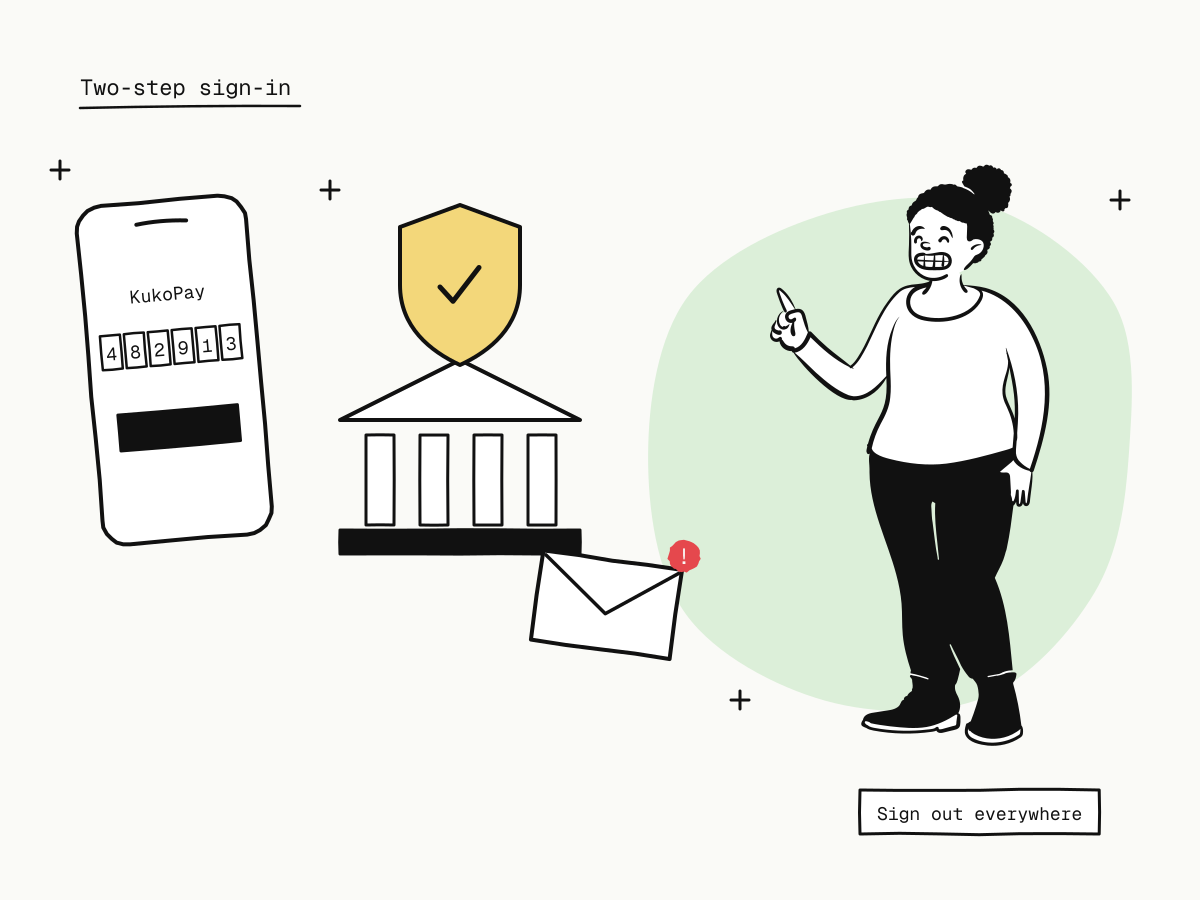
Two-step sign-in (2FA) means a password is not enough to sign in: you also need a 6-digit code from an authenticator app on your phone, such as Google Authenticator or 1Password.
- Open Profile & security in the dashboard.
- Under Two-step sign-in, click Turn on two-step sign-in.
- Scan the QR code with your authenticator app — the entry is named "KukoPay" — or type the key shown under it.
- Enter the 6-digit code to confirm.
A few details that matter:
- It is per person. Two-step sign-in protects your own login; each team member turns it on for theirs. Ask everyone who can refund or request payouts to do it first — see payment dashboard user roles.
- Turning it off needs your current password and a code, so someone with only your password cannot quietly switch it off.
- A password reset by email does not turn it off. An attacker who controls your email inbox still needs your phone.
- An authenticator app is stronger than SMS codes, which can be intercepted or moved to another SIM.
- Lost your phone? Contact the platform's support to have your authenticator reset after your identity is checked.
Watch your sign-in alerts
KukoPay emails you when something about your login changes:
- a sign-in from a new IP address — if it was not you, change your password at once;
- your account being locked after repeated wrong passwords;
- your password being changed.
Sign-in attempts are also throttled — 5 attempts per email address and 30 per IP address every 15 minutes, counted before the password is even checked — so a stolen email address cannot simply be tried against a list of passwords.
Profile & security also shows your most recent sign-in under Sign-ins & sessions.
Change your password, or sign out everywhere
- Change password signs you out on every device, this one included, and notifies your sign-in email.
- Sign out everywhere ends every session on every browser and device without changing the password — useful after signing in on a shared computer.
If you suspect someone else got in, do both: change the password, which already signs every device out, and turn on two-step sign-in if it was off.
How payouts are protected
Even a full account takeover runs into these:
- A new payout account is reviewed by a person. A live settlement account starts as pending review and only becomes usable once an operator approves it; changing the account means another review. Redirecting payouts is the step an account takeover needs, so it is the step that gets a human check.
- You are told the moment one is added. The account's owner and admins are emailed as soon as a live settlement account is added — the window between adding and approval is when a takeover can still be stopped. If you did not add it, change your password and contact the platform.
- Payouts only go to the verified business. Settlement accounts are checked against the verified company or person; an individual can be paid only to a personal account in their own name, checked when the account is added and again on every payout.
- A live payout is reviewed before money moves, and only completes when the bank transfer is recorded — see what is payment settlement.
- Live API key changes are announced. Owners and admins are emailed whenever a live API key is issued, rolled or revoked.
Protect your API keys as well as your login
Your API key is a second way into the account. Keep it on your servers only, give each service its own key, rotate keys when someone leaves, and lock keys to your servers with an IP allowlist. API key rotation covers rotation and what to do if a key leaks.
A merchant account security checklist
- Turn on two-step sign-in for everyone who can refund or request payouts;
- give each person their own login with the smallest role that fits — never share one;
- read sign-in alert emails; act on any you do not recognise;
- after using a shared computer, Sign out everywhere;
- treat a "new settlement account" email you did not expect as an emergency;
- keep API keys on the server, one per service, behind an IP allowlist where possible;
- remove leavers the same day and rotate any keys they could see.
Summary
- Merchant account security is mainly about stopping a takeover from reaching your payouts;
- turn on two-step sign-in with an authenticator app — per person, off only with password and code;
- sign-in alerts, throttling, password change and Sign out everywhere cover the login side;
- new settlement accounts are reviewed and announced, payouts go only to the verified business, and live payouts are reviewed before money moves;
- protect API keys with the same care as passwords.
Try it in the sandbox
Create a merchant account and request a test key. The sandbox needs no business verification.