How to cancel unpaid orders automatically without losing late payments
How to cancel unpaid orders automatically: set a payment expiration time, close the checkout first, and handle a buyer who pays after cancellation.
On this page
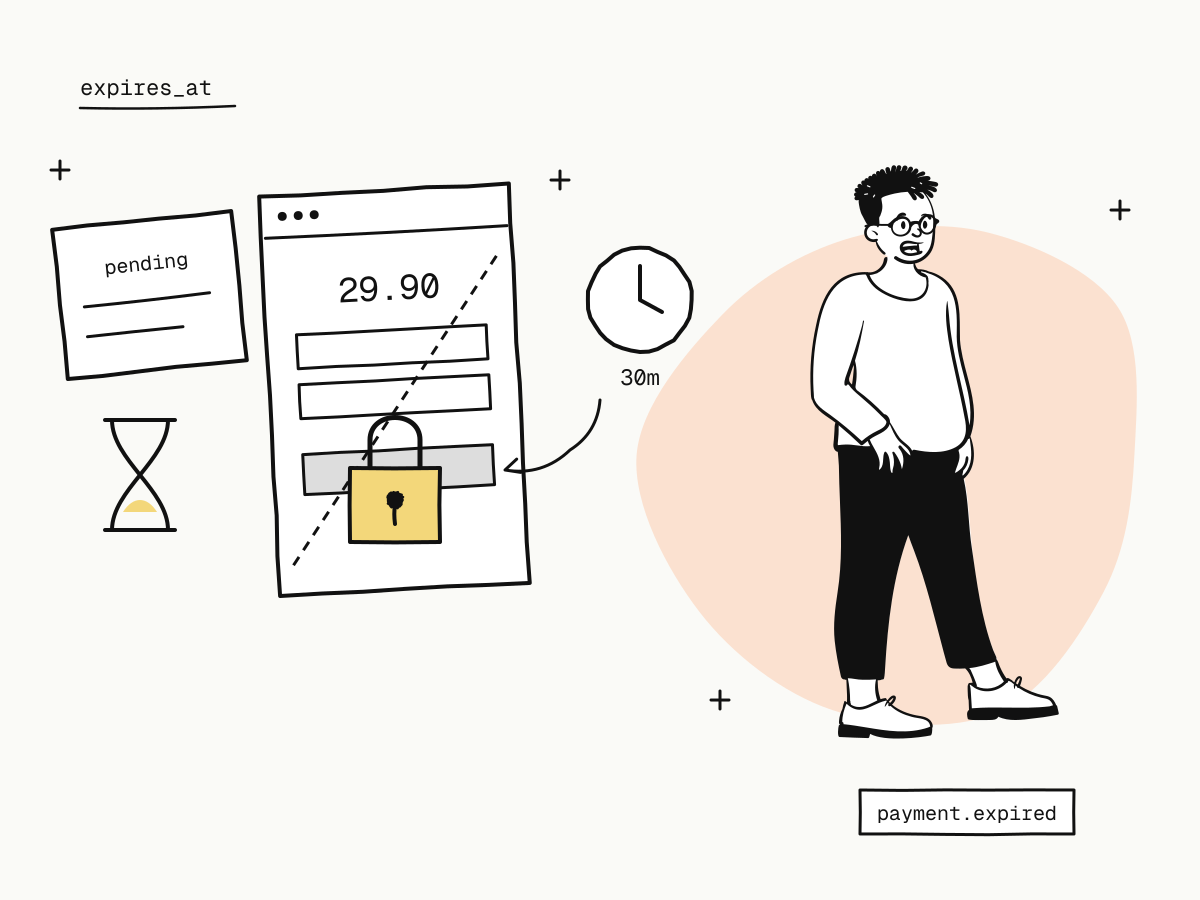
Most shops cancel unpaid orders automatically after a timeout — 30 minutes, 2 hours, a day — to release stock and keep the order list clean. The trap is the buyer who is still on the checkout page when your timer fires: they pay a minute later, the money is taken, and your system has already cancelled the order. Now you owe a manual refund and an apology.
The fix is simple: the checkout must close before your order does. This guide explains how to cancel unpaid orders automatically without that race — set a payment expiration time on each order, close an order early when you need to, and know what happens to a payment that arrives late anyway.
Why "paid after cancelled" happens
Your shop and your payment provider each have a clock:
- your order timeout, after which your system cancels the order and releases stock;
- the checkout's lifetime, during which the buyer can still pay.
If the checkout lives longer than your order, there is a window where the buyer can pay for an order you consider dead. On KukoPay a checkout link lives 24 hours by default — far longer than most shops' unpaid-order timeouts.
Set a payment expiration time on every order
Pass expires_at when you create the order, no later than your own cancel time:
curl -X POST "https://api.kukopay.com/v1/orders" \
  -H "Content-Type: application/json" \
  -H "X-Api-Key: $KUKOPAY_API_KEY" \
  -d '{
    "out_trade_no": "ORD_20261105_0001",
    "amount": 2990,
    "currency": "USD",
    "notify_url": "https://shop.example.com/webhooks/kukopay",
    "expires_at": "2026-11-05T10:30:00Z"
}'expires_attakes an ISO-8601 time or Unix seconds. It must be at least 5 minutes away and can only shorten the default 24 hours, never extend it; a value outside that range is refused with400 invalid_request, never silently adjusted.- The response's
expires_atis the order's real deadline. - Leave a margin. Set it a few minutes before your own cancel time, so a 3D Secure check or wallet approval started in the last minute can finish before your timer fires.
- Retries are safe. Repeating the request with the same
out_trade_noreturns the original order with its original deadline —expires_atis not compared — so recalculating "now + 30 minutes" on each retry causes no conflict.
When the deadline passes unpaid, the order becomes expired and you receive payment.expired. That event is a good trigger for releasing stock — subscribe to it, not only to payment.succeeded.
Close an order early
Sold out, the buyer cancelled their cart, or you replaced the order with a new one? Close it now instead of waiting:
curl -X POST "https://api.kukopay.com/v1/orders/ORD_20261105_0001/expire" \
  -H "X-Api-Key: $KUKOPAY_API_KEY" \
  -H "Idempotency-Key: expire-ORD_20261105_0001"
The path takes your out_trade_no or KukoPay's trade_no. The dashboard's order detail page has the same Close order action, for owners and admins.
The platform does not close the order from its own record alone — it asks the payment channel first:
| Situation | Result |
|---|---|
| The buyer has not paid | The order is closed: 200, expired, and payment.expired is sent |
| The buyer has in fact paid | The order is credited, not closed: 409 conflict, and you receive payment.succeeded |
| The buyer is mid-way through a wallet or 3D Secure step that cannot be cancelled yet | The order stays pending: 409 conflict — try again shortly |
| The channel cannot be reached | The order stays pending: 502 processor_error — retry with the same idempotency key |
The order is already expired | It is returned as it is, 200 |
| The order is paid, refunded or failed | 409 conflict |
On any 409, look the order up again and act on its current status — especially when a buyer paid at the very moment you tried to close it.
Your auto-cancel job, step by step
Create every order with expires_at
A few minutes before your own cancel time.
Let payment.expired drive the cancellation
When it arrives, cancel the order and release stock. No race: the checkout is already closed.
Cancelling for another reason? Close it first
Call the expire endpoint, and cancel on your side only after it answers 200 — or after payment.expired arrives.
Make the job idempotent
Cancel only orders still awaiting payment. An order already paid or cancelled is left alone, so running the job twice changes nothing.
Never cancel because the buyer left the page or never came back from the redirect — that says nothing about payment. return_url vs notify_url explains why.
What if a buyer pays after the order was closed anyway?
Rarely, a payment still lands after the order has been closed — for example, the order was already paid by another attempt, or it had expired. On KukoPay that payment is refunded to the buyer in full automatically, and you receive payment.duplicate_refunded. It never touches your balance, carries no fee and needs no action from you. If the order was still pending when the payment arrived, it is simply credited as normal and you get payment.succeeded.
So you never have to chase a refund for a late payment — but subscribe to payment.duplicate_refunded if your support team should know about it.
Unpaid orders from payment links and epay
- Payment links create an order on every visit, so visits nobody paid are orders too. They expire with their checkout link, and the dashboard's order list hides them unless you tick Include payment link visits nobody paid. See what is a payment link.
- Epay (易支付) orders always carry a deadline from the credential's order timeout, 30 minutes by default, because the epay protocol has no field for one. Keep it shorter than the connected system's own cancel time — the epay integration guide explains why.
Summary
- Unpaid orders get cancelled safely only if the checkout closes before your order does;
- pass
expires_aton every order — at least 5 minutes away, at most the 24-hour default — with a few minutes' margin before your own timeout; - cancel on
payment.expired, or close early withPOST /v1/orders/{trade_no}/expire, which checks with the channel and credits a payment that already happened; - on
409, read the order again before deciding; - a payment that arrives after the order closed is refunded automatically, with
payment.duplicate_refunded.
Try it in the sandbox
Create a merchant account and request a test key. The sandbox needs no business verification.