Why payment APIs take the amount in cents: minor units, integers and rounding
Why payment APIs take the amount in cents: what minor units are, why floats break money, how to convert prices safely, and the rules KukoPay applies.
On this page
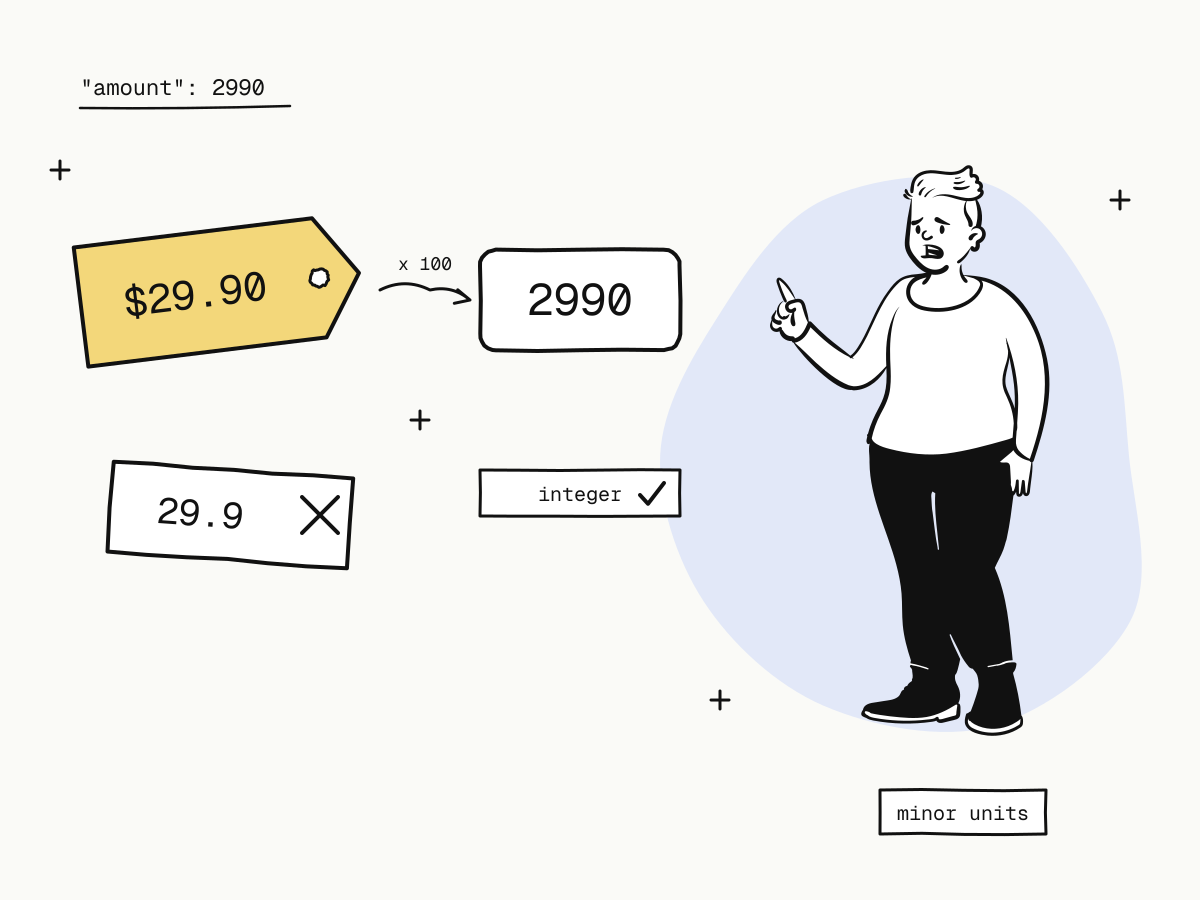
Payment APIs take the amount in cents — more precisely, in the currency's minor unit — as a whole number: 2990 means $29.90. The reason is that money must be exact, and the decimal numbers most programming languages use by default are not. Sending integers in the smallest unit removes rounding errors from the one place they cannot be tolerated.
This guide explains what minor units are, why floating-point numbers break money, how to convert prices safely in your code, and the exact rules KukoPay applies to amounts.
What is a minor unit?
The minor unit is the smallest unit of a currency that payments use:
| Currency | Minor unit | 2990 means |
|---|---|---|
| USD | cent (1/100 dollar) | $29.90 |
| HKD | cent (1/100 Hong Kong dollar) | HK$29.90 |
| CNY | fen (1/100 yuan) | ¥29.90 |
All three currencies KukoPay supports have two decimal places, so the amount in minor units is always the price × 100.
Why floating-point numbers break money
Most languages store decimals as binary floating point, which cannot represent most decimal fractions exactly:
0.1 + 0.2            // 0.30000000000000004
19.99 * 100          // 1998.9999999999998
Math.floor(19.99 * 100)  // 1998 — one cent lost
Each error is tiny, but money adds up across thousands of orders, and a total that is off by a cent breaks reconciliation as surely as one off by a thousand. An integer number of cents has no such error: 1999 + 1 is exactly 2000.
How KukoPay checks amounts
- A JSON integer, nothing else.
amounton orders and payment links must be a positive integer in minor units. A string (even"2990"), a decimal (29.9) or a negative number is refused with400— never rounded or converted for you. - Everything is in minor units. Fees, net amounts, refunds, balances and balance transactions are all integers in minor units in the API.
- Within a safe range. Balances and ledger values are kept within JavaScript's safe-integer range, so a JSON number never loses precision in a client.
- Fees are rounded once. The fee is
round(amount × rate + fixed fee)in minor units, so a $29.90 card payment at 3.5% + $0.30 costsround(2990 × 0.035 + 30) = 135, i.e. $1.35. See how cross-border payment fees are calculated.
curl -X POST "https://api.kukopay.com/v1/orders" \
  -H "Content-Type: application/json" \
  -H "X-Api-Key: $KUKOPAY_API_KEY" \
  -d '{ "amount": 2990, "currency": "USD" }'
A request with "amount": 29.9 is the most common first-day mistake, and the API logs show it at a glance.
How to convert a price to minor units safely
The safest approach is never to have a float in the first place: store prices in your database as integer cents (or as a decimal type), and do arithmetic on those.
If you must convert a decimal string such as "19.99", do it without floating point:
from decimal import Decimal, ROUND_HALF_UP

def to_minor_units(price: str) -> int:
    return int((Decimal(price) * 100).quantize(Decimal("1"), rounding=ROUND_HALF_UP))

to_minor_units("19.99")   # 1999
// Parse "19.99" digit by digit instead of multiplying a float
function toMinorUnits(price) {
const [whole, frac = ""] = price.split(".")
return Number(whole) * 100 + Number((frac + "00").slice(0, 2))
}
toMinorUnits("19.99") // 1999Format for display only at the edge, from the integer: (2990 / 100).toFixed(2) for a label is fine; using that result in more arithmetic is not.
Where you will meet decimals anyway
- CSV exports show amounts as two-decimal numbers, so a spreadsheet can sum them directly. Use the API's integers for anything automated — see payment reconciliation.
- The epay protocol sends
moneyas a decimal string such as29.90. KukoPay parses it digit by digit, never through a float — see the epay integration guide. - Plugins with an exchange rate, such as Xboard's, multiply by the rate and round to whole minor units — see the Xboard payment plugin.
Summary
- Payment APIs take the amount in cents — the currency's minor unit — as an integer, because floats cannot represent money exactly;
- on KukoPay,
amountmust be a positive JSON integer:2990is $29.90, HK$29.90 or ¥29.90, and strings, decimals and negatives are refused; - fees, refunds and balances are integers in minor units too, and fees are rounded once;
- store prices as integer cents or a decimal type, convert strings without floating point, and format for display only at the end.
Try it in the sandbox
Create a merchant account and request a test key. The sandbox needs no business verification.