API IP whitelisting: how to restrict payment API keys to your own servers
How API IP whitelisting works for a payment API: finding your egress IP, IPv4, CIDR and IPv6 entries, ip_not_allowed errors, and when not to use it.
On this page
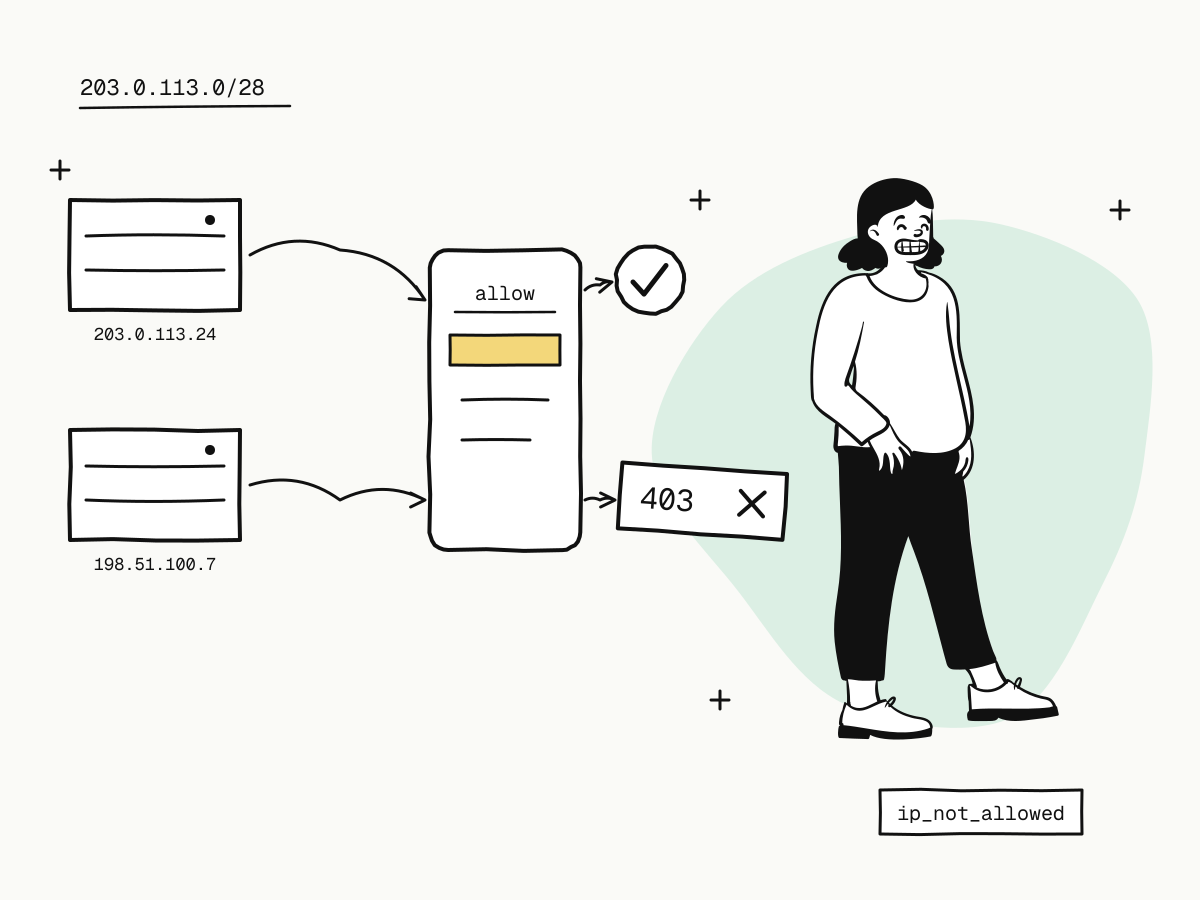
API IP whitelisting limits where an API key can be used from. You list the IP addresses of your own servers, and the API refuses any request from an address that is not on the list — even one carrying a valid key. If a key leaks through a log file, a repository or a laptop, it is useless from anywhere else. An IP allowlist is not a replacement for keeping keys secret; it is a second lock behind the first.
This guide explains how API IP whitelisting works on KukoPay, how to find the right address to list, which formats are accepted, what ip_not_allowed means, and when an allowlist causes more trouble than it prevents.
How API IP whitelisting works on KukoPay
- Per app. Each app has its own optional allowlist, under Developers → API keys for the app selected in the switcher. It applies to that app's API keys and to its epay merchant ID (
pid). - Test and live alike. The list is the app's, not the environment's: once set, sandbox calls with that app's
kuko_test_keys must come from a listed address too. - Empty means off. With no entries, requests are accepted from anywhere. The first entry you save switches enforcement on, immediately.
- Checked after the key. The key is verified first, then the source address; a request from an unlisted address is refused with
403 ip_not_allowed.
Which IP addresses to whitelist
List the public egress address your server uses for outbound requests — the address KukoPay sees, not the one on your server's network card.
- Behind a NAT gateway or proxy, that is the gateway's public address.
- Several servers or regions — list every one, including standbys you fail over to.
- Not your laptop or office, unless you really call the live API from there.
The easiest way to be sure is to look at what KukoPay recorded: every API call is logged with its source IP. Make a call, then open Developers → API logs or query GET /v1/logs and read the ip field — see payment API error handling for the logs.
Supported formats
| Entry | Example | Matches |
|---|---|---|
| Single IPv4 address | 203.0.113.24 | That address only |
| IPv4 CIDR range | 203.0.113.0/28 | The 16 addresses in the range |
| IPv6 address | 2001:db8::25 | That exact address — IPv6 ranges are not supported |
Separate entries with commas or spaces. The format is checked when you save, so a typo is refused rather than silently locking you out.
What does ip_not_allowed mean?
403 ip_not_allowed means the key was valid but the request came from an address that is not on its app's list. It is not a temporary error: retrying from the same server will fail the same way.
- Find the address the request really came from — the
ipin the API log for that call. - If it is one of yours, add it (or its range) to the allowlist.
- If it is not, treat the key as leaked: roll it and find out how it got out. See how to rotate API keys.
The full list of error codes and which are worth retrying is in payment API error handling.
When not to use an IP allowlist
An allowlist only works when your outbound address is stable.
- Serverless functions and autoscaling containers often leave from addresses that change. Without a fixed egress (a NAT gateway with a static address, for example), do not turn it on — or the next deploy turns into an outage.
- A shared sandbox app used from developers' laptops. Because the list also applies to test keys, give local development its own app without an allowlist, and keep the allowlist on the production app. See accepting payments on multiple websites for apps.
What IP whitelisting does not cover
- Buyers' browsers. The checkout and epay's
submit.phpare opened by buyers from anywhere, so they are never restricted. The allowlist covers server-to-server calls: the API, and epay'smapi.phpandapi.php— see the epay integration guide. - Webhooks coming to you. Those travel the other way; secure your receiver by verifying the signature, not by source address. See how to verify webhook signatures.
- Your dashboard sign-in. That is protected by your password and two-step sign-in — see merchant account security.
Summary
- API IP whitelisting makes a key work only from the addresses you list, so a leaked key is useless elsewhere;
- on KukoPay it is per app, covers the app's test and live keys and its epay
pid, and is off while empty; - list your servers' public egress addresses — the API logs show the
ipeach call came from; - single IPv4, IPv4 CIDR and exact IPv6 addresses are accepted; an unlisted source gets
403 ip_not_allowed; - do not enable it without a fixed egress address, and secure webhooks with signatures instead.
Try it in the sandbox
Create a merchant account and request a test key. The sandbox needs no business verification.