Payout bank account: how to add a settlement account, and why it must match your business
How to add a payout bank account: the details you need, why the holder must match your verified business, how review works, and why changing it is checked.
On this page
A payout bank account — a settlement account — is where your payment provider sends the money you have earned. Adding one looks like a form, but it is the most security-sensitive step in a merchant account: whoever controls the payout destination controls the money. That is why the account must be in the name of the business that was verified, and why a new one is reviewed before anything is paid to it.
This guide explains how to add a payout bank account on KukoPay, what details you need, whose name it must be in, how the review works, what happens when it is rejected, and why changing it is deliberately not instant.
What you need to add a payout bank account
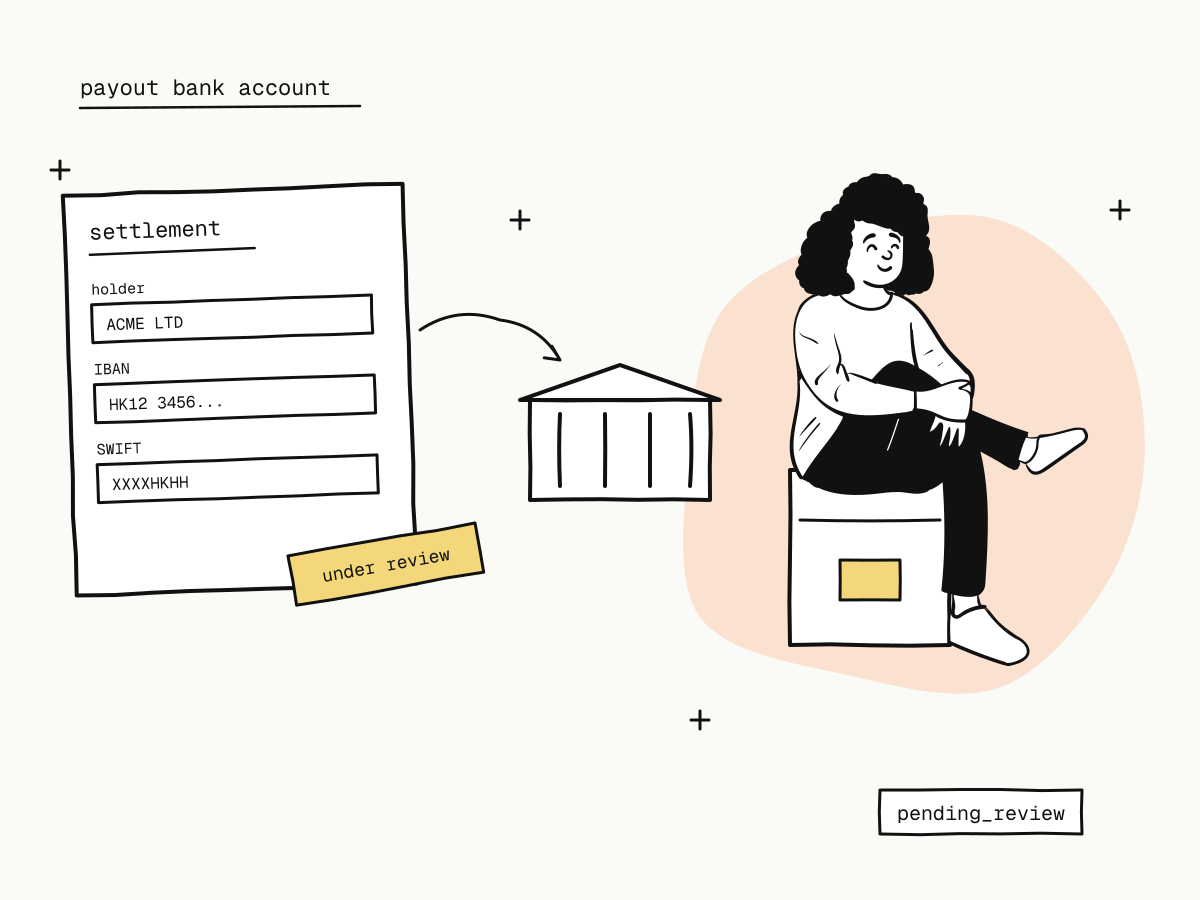
A settlement account is added per currency: each wallet (USD, HKD, CNY) pays out to an account linked to it. You will be asked for:
| Field | What to enter |
|---|---|
| Account type | Business account or personal account |
| Bank name | The bank and branch, as the bank writes it |
| Account number / IBAN | Exactly as on your bank statement |
| Account holder / company name | The name on the account |
| SWIFT / bank code | The bank's identifier for international transfers |
| Bank country/region code | Where the bank is |
Who can add one: the account owner and admins. Developers and viewers cannot touch payouts — see team roles and permissions.
Whose name must the payout bank account be in?
The account holder must be the business that passed verification:
- A company (mainland, individually owned business, or registered outside the mainland) — an account in the company's name, matching the verified company.
- An individual — only a personal account in your own name, and the holder must be exactly the verified name. This is checked when the account is added and again on every payout. See accepting international payments as an individual.
A name that does not match is the most common reason a payout bank account is rejected. Copy the holder name exactly as the bank has it.
How settlement account review works
- Added → under review. A new live account shows Under review and cannot receive payouts yet.
- An alert goes out at once. The account owner, admins and the business contact email are emailed that a settlement account was added — if it was not you, change your password and contact the platform; the account cannot be paid before review.
- Approved or rejected. The reviewer checks that the holder is the verified business or person. The result is emailed; a rejection carries the reason, shown on the account.
- Rejected? The account cannot be used. Remove it, fix the details and add it again.
Sandbox settlement accounts are never reviewed — they work as soon as they are added, so you can rehearse payouts before going live. See sandbox vs live mode.
Why changing your payout bank account is not instant
Replacing the payout destination is the step an account takeover needs: someone who has stolen a login adds their own account and withdraws. So a replacement account is reviewed exactly like a new one, and the alert email gives the real owner a window to stop it. A short wait for review is the price of making that attack fail. More in merchant account security.
After the account is approved
- Payouts go only to an approved account, from the wallet of the same currency, with a minimum of 100.00 per payout and a flat fee per payout — see what is payment settlement and the payout rules.
- Payout statuses:
pending_review→processing→success.processingmeans the payout was approved and the funds are still frozen; it reachessuccessonly when the bank transfer is recorded with its bank reference. A rejected or failed payout releases the funds back to your balance. - What can still stop a payout: a negative balance after a chargeback (negative balance explained), a payout suspension from a high chargeback rate, or for individuals an expired identity document.
Summary
- A payout bank account is added per currency, with account type, bank name, account number / IBAN, holder name, SWIFT / bank code and country;
- the holder must be the verified business — for an individual, a personal account in their own name, checked on every payout;
- a new or replacement live account is reviewed before it can be paid, and owners and admins are alerted the moment it is added;
- a rejection gives a reason; remove the account, correct it and add it again;
- once approved, payouts move from
pending_reviewtoprocessingtosuccess, and onlysuccessmeans the money was sent.
Try it in the sandbox
Create a merchant account and request a test key. The sandbox needs no business verification.