Payment limits explained: per-payment, 24-hour and 30-day caps, and what “payment limit exceeded” means
How merchant payment limits work: per-payment and rolling 24-hour and 30-day caps, what counts, what payment_limit_exceeded means, and how to raise them.
On this page
Payment limits cap how much a merchant account can take: per payment, and over a period of time. Payment providers set them to manage risk — most visibly for new and individual merchants — and when an order would go over one, the request is refused with an error such as payment limit exceeded. Knowing how your limits are counted tells you whether an order will go through before a buyer ever sees an error.
This guide explains how payment limits work on KukoPay: the three caps, why they are rolling rather than daily, what counts toward them, what payment_limit_exceeded means for your code and your buyers, and how limits are raised.
Who has payment limits?
- Individual merchants — people verified without a business licence — always have payment limits, starting from the defaults below. The limits can be raised, but not removed. See accepting international payments as an individual.
- Companies and sole proprietorships have no payment limits by default; the platform can set them for risk reasons.
- The sandbox is never limited, for anyone.
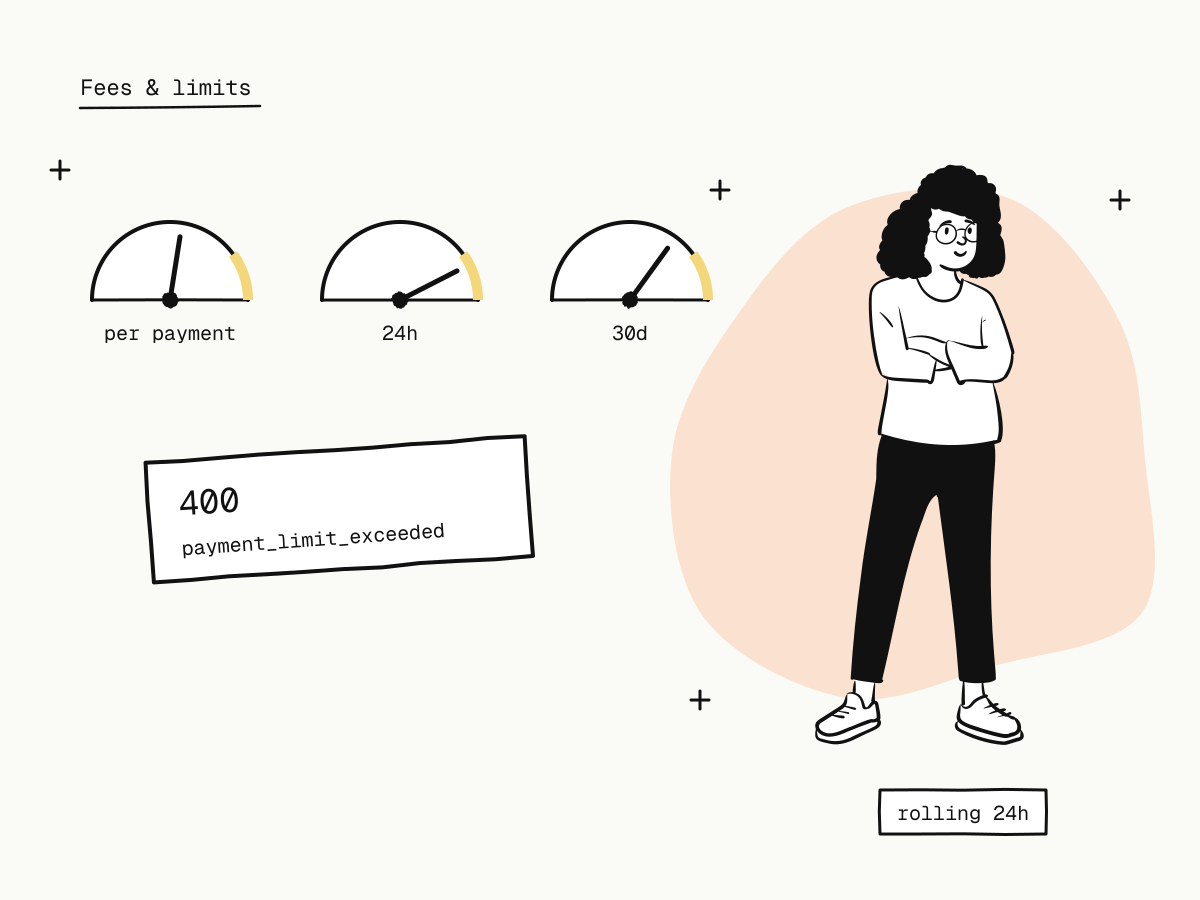
You can see your own limits, and how much of each window is used, on the Fees & limits page of the dashboard once your account is approved.
The three caps
Each currency has three limits, all in the currency's minor unit:
| Currency | Per payment | Rolling 24 hours | Rolling 30 days |
|---|---|---|---|
| USD | $1,000 | $5,000 | $30,000 |
| HKD | HK$8,000 | HK$40,000 | HK$240,000 |
| CNY | ¥7,000 | ¥35,000 | ¥200,000 |
These are the defaults for individual merchants. An order must fit all three: under the per-payment cap, and with room left in both windows.
Why rolling windows instead of a daily limit?
"Rolling 24 hours" means the 24 hours before this order, not since midnight. A rolling window has no reset moment to game and no time zone to agree on: a burst of orders at 23:59 and 00:01 counts against the same limit. The 30-day window works the same way.
What counts toward the limit?
Live orders created within the window count if they are:
- paid — including orders refunded since; or
- pending with a checkout link that is still open.
Expired and closed orders do not count. One exception keeps abandoned visits from blocking you: a pending order nobody has started paying holds its share for only 15 minutes after it is created. That matters for payment links, which create an order on every visit — a link opened many times by people who never pay cannot fill your day.
What does payment_limit_exceeded mean?
It means the order would go over one of your limits. Where it appears:
- Creating an order —
POST /v1/ordersanswers400 payment_limit_exceeded, and no order is created. - Creating a live payment link whose amount is above the per-payment cap — refused with the same error, so you never publish a link nobody can pay.
- A payment link visit that would go over — the buyer sees a notice that the merchant cannot take payments right now.
- At checkout — the limit is checked again when the buyer starts paying. If other orders used up the room in the meantime, the buyer is told the merchant cannot take this payment, and nothing is charged.
That second check at checkout is the one that guards the money: two orders created a second apart cannot both slip into the last bit of room.
How to handle payment_limit_exceeded in your integration
- Branch on the error code, not the message — see payment API error handling.
- Show the buyer something useful, not a stack trace: the order cannot be placed right now, try a smaller amount or later.
- Split large orders where your product allows it, so each part fits under the per-payment cap.
- Do not retry in a loop. The limit will not change in a few seconds; retrying only adds load.
- Watch the dashboard. If you regularly come close to a window, ask for a higher limit before buyers start seeing the error.
How to raise your payment limits
Contact the platform from the dashboard and explain your volume. An individual merchant's limits can be raised but never cleared entirely; other merchants with limits set by the platform can ask for them to be raised in the same way. New currencies added to an individual account get the default limits for that currency.
Payment limits are not the only limits
Two other limits are easy to confuse with payment limits:
- API rate limits cap requests per minute, not money — a
429, not a400(API rate limits). - A buyer's card limit is the issuer's, and shows up as a card decline such as
card_velocity_exceededat checkout (card decline codes explained).
Summary
- Payment limits cap money per payment and over rolling 24-hour and 30-day windows, per currency;
- individual merchants always have them (USD defaults: $1,000 / $5,000 / $30,000); other merchants only if the platform sets them; the sandbox never;
- paid orders and open pending orders count; an order nobody started paying holds its share for only 15 minutes;
- over a limit, order creation answers
400 payment_limit_exceeded, and the checkout checks again before charging; - handle the error gracefully, split large orders if you can, and ask for higher limits before you need them.
Try it in the sandbox
Create a merchant account and request a test key. The sandbox needs no business verification.